On the web today
Pictures
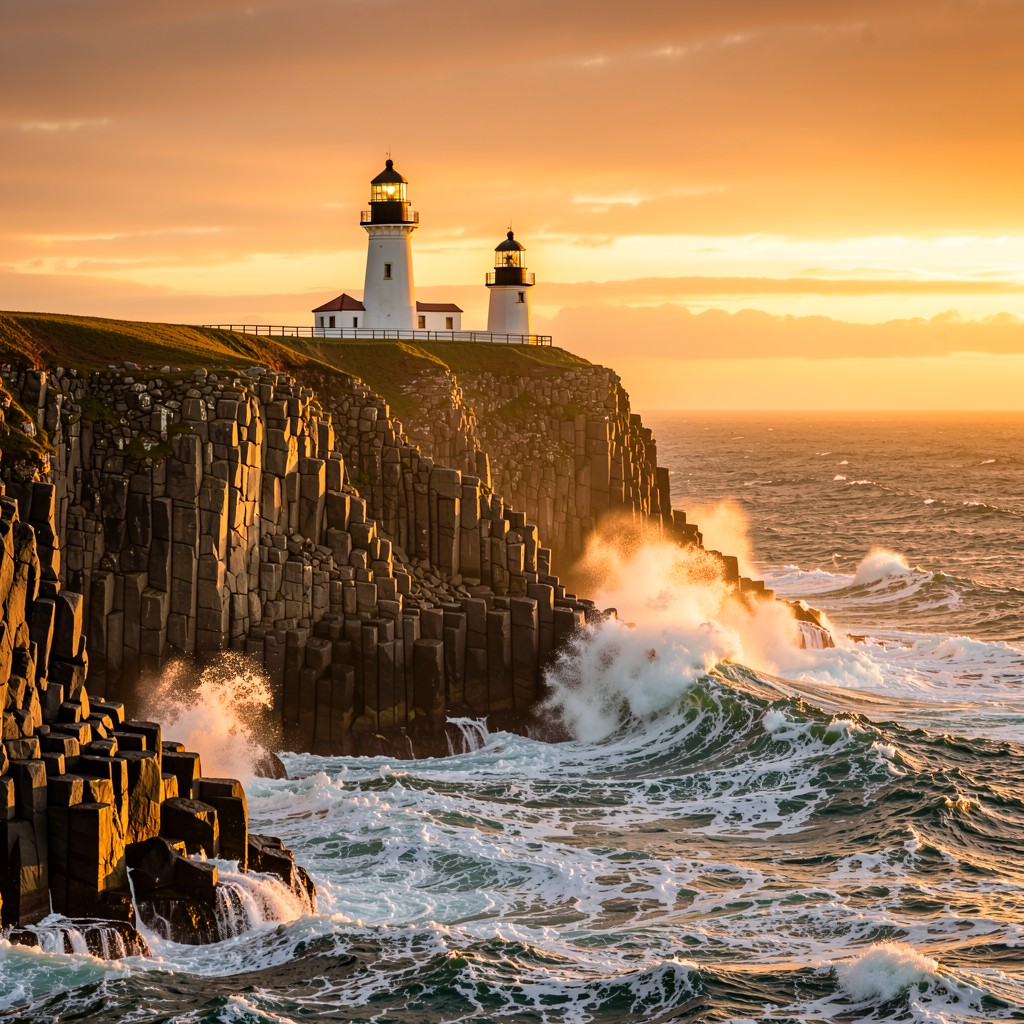
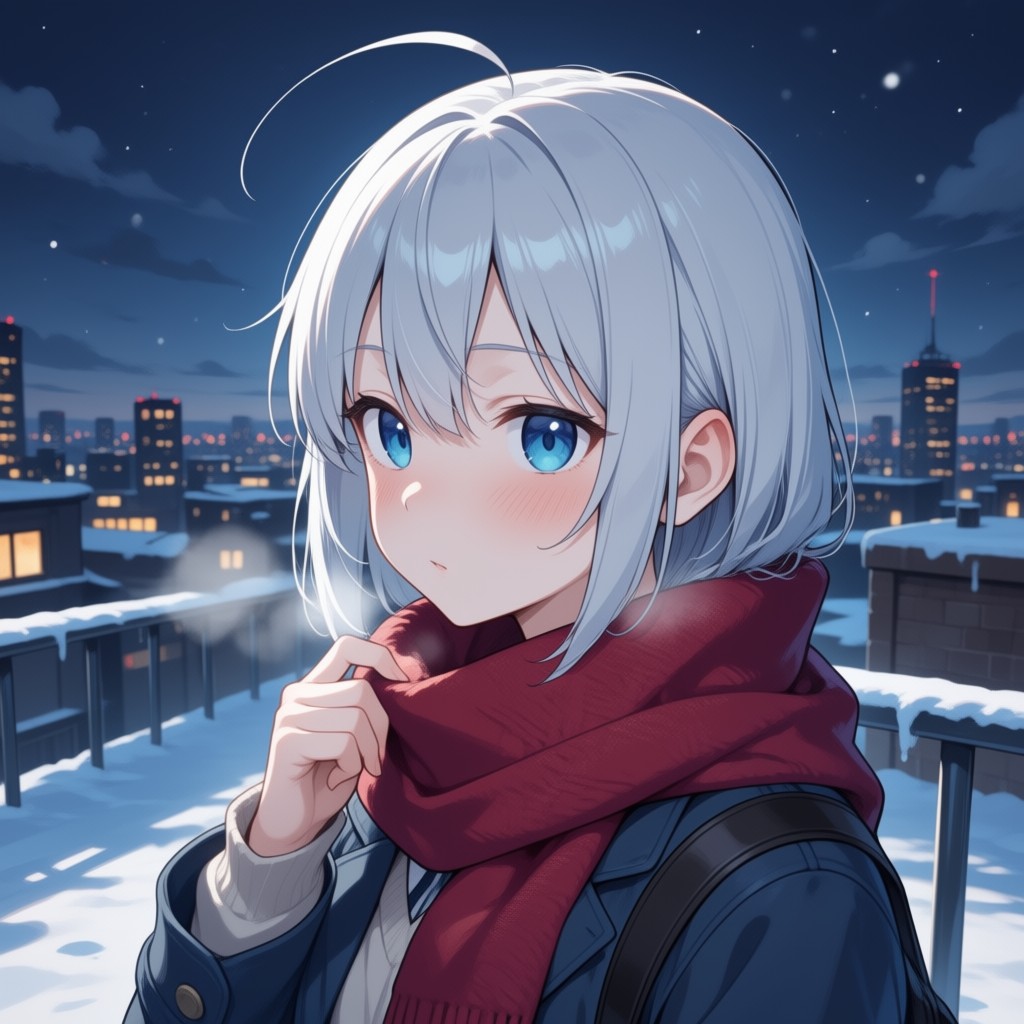
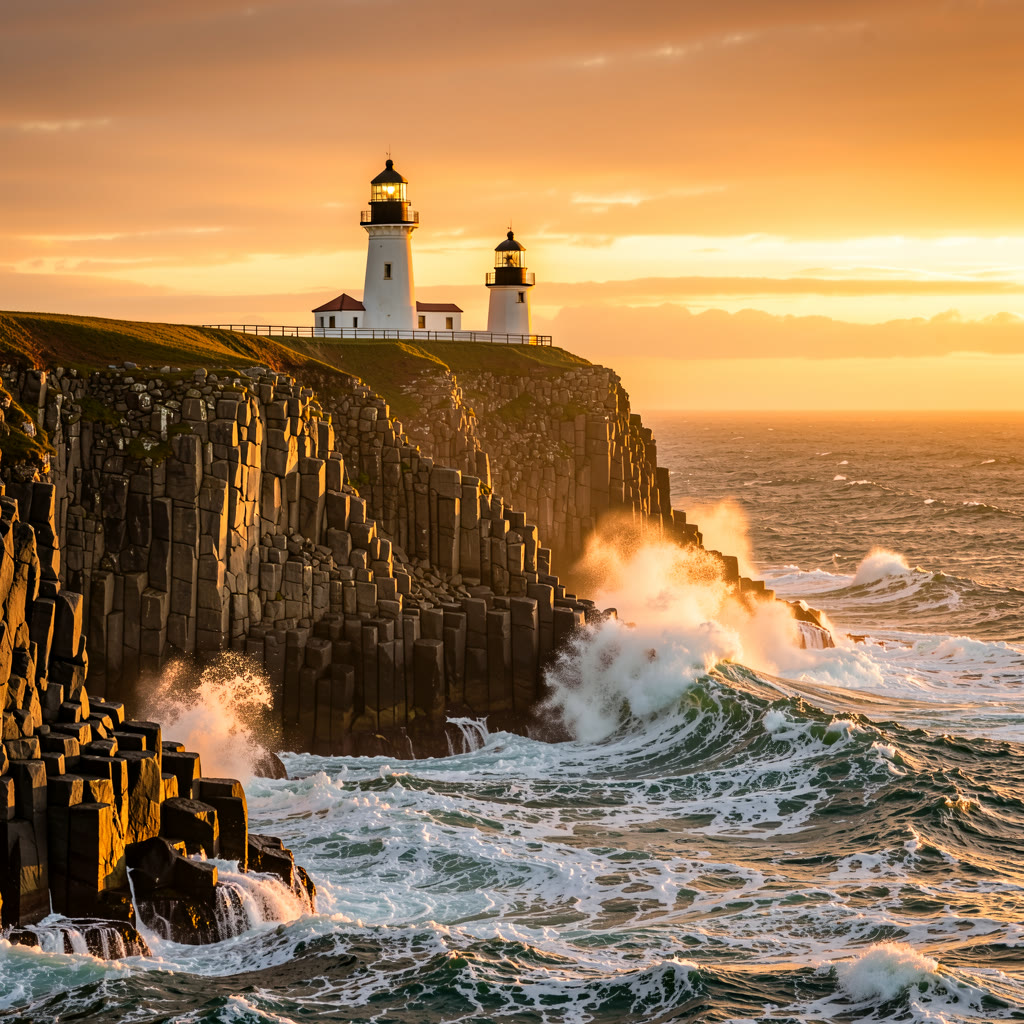
From a photoreal lighthouse to an anime still, in the style you ask for and the shape you need.
Open beta Hivemind Content Studio
Type what you want, or start from a picture. Choose from hundreds of the best image and video models, see the most it can cost before you press, and keep everything in a library only you can open.
Open the studioSign in with your HivemindOS account, or make one with your email.On the web today
The web studio makes stills, video and speech from a description, or from a picture you start with. Pick a model, see its price, press once. Cards marked On the web today work at studio.hivemindos.app now; the rest come from the full studio and are on their way.
From a photoreal lighthouse to an anime still, in the style you ask for and the shape you need.
Start from a picture and say what happens next. The character, the light and the place carry into the clip.
Orbit, roll, tilt or push in. Say the move and the shot follows it.
The same character, three ways. Ask for the feeling and get the face, the body and the timing.
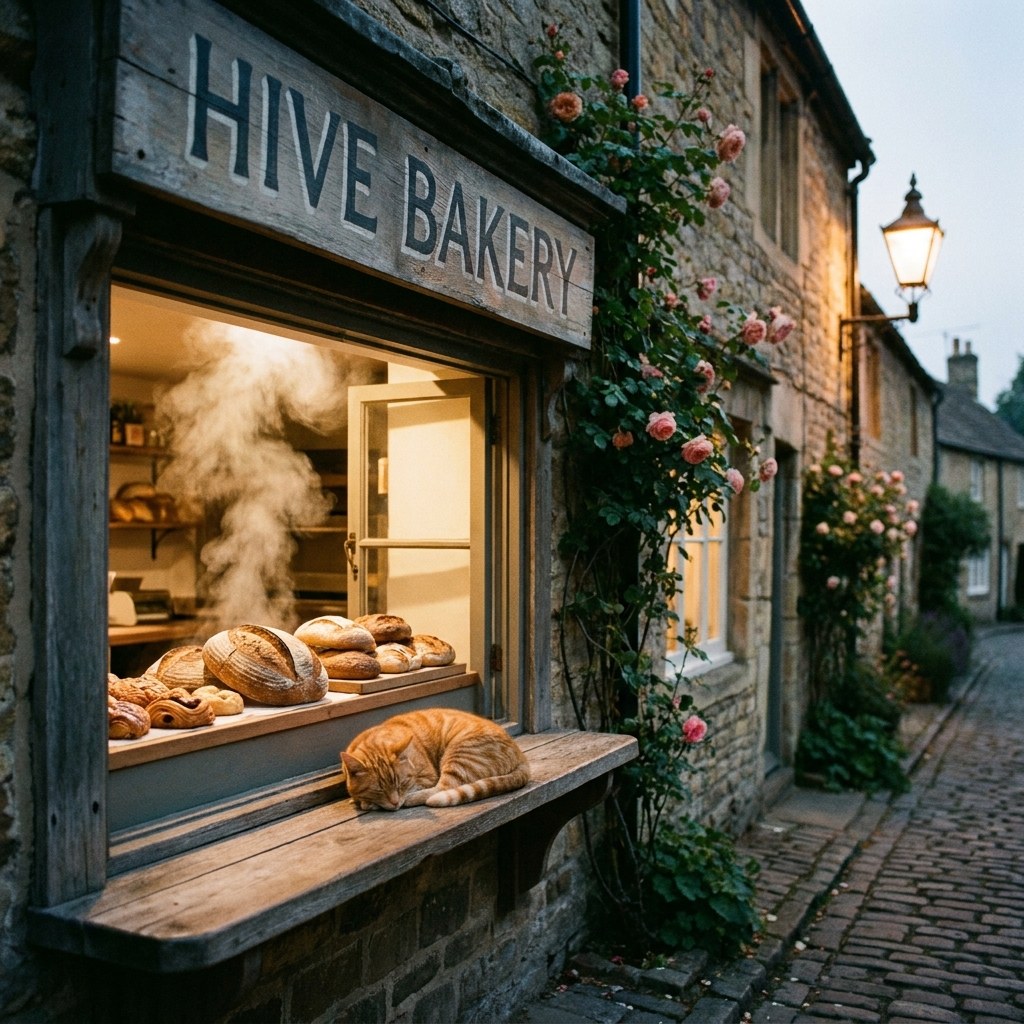
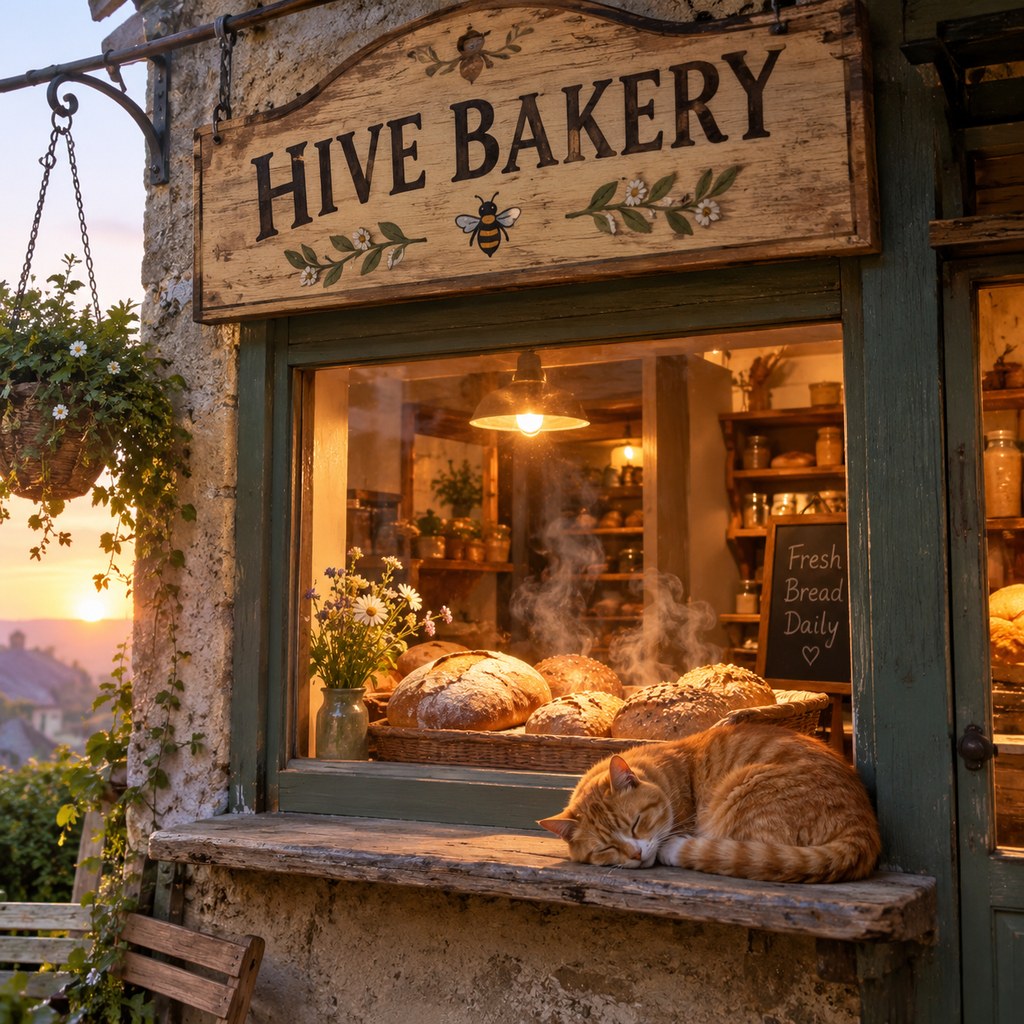
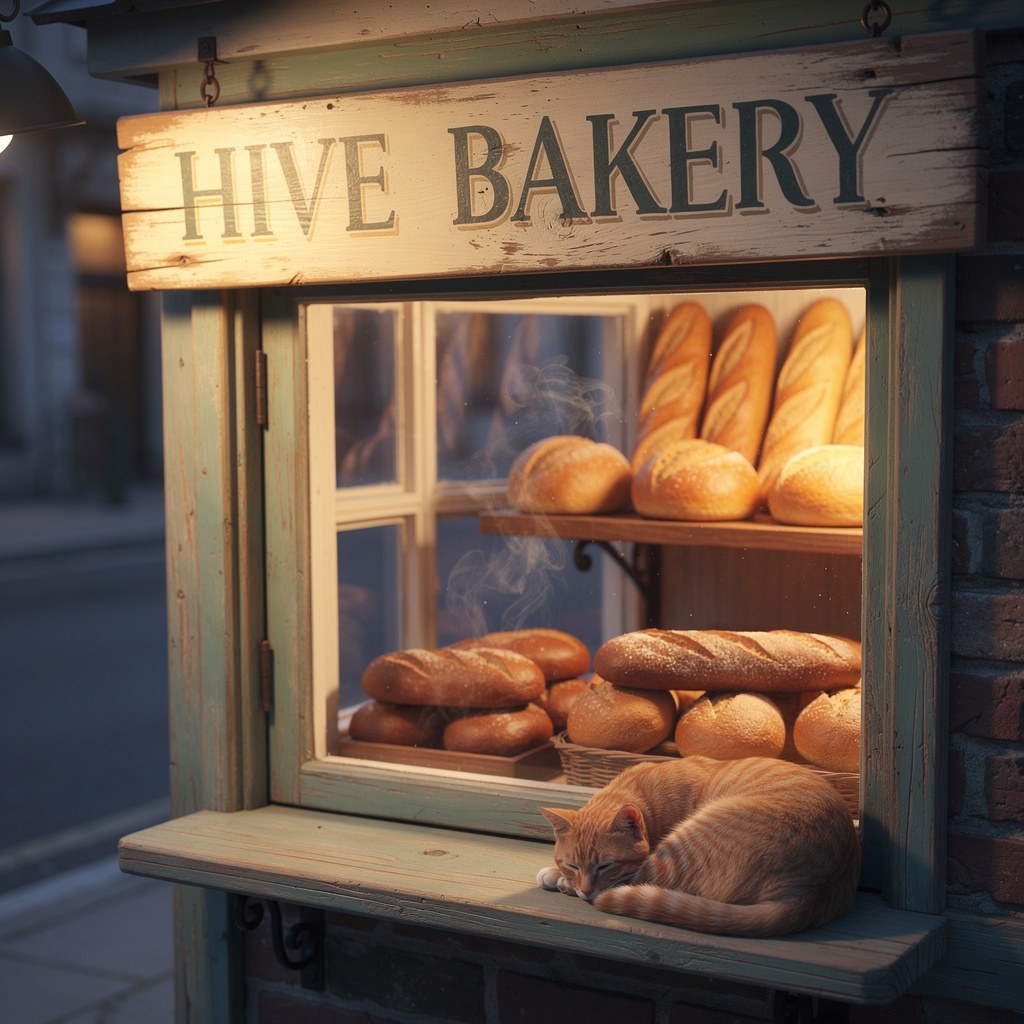
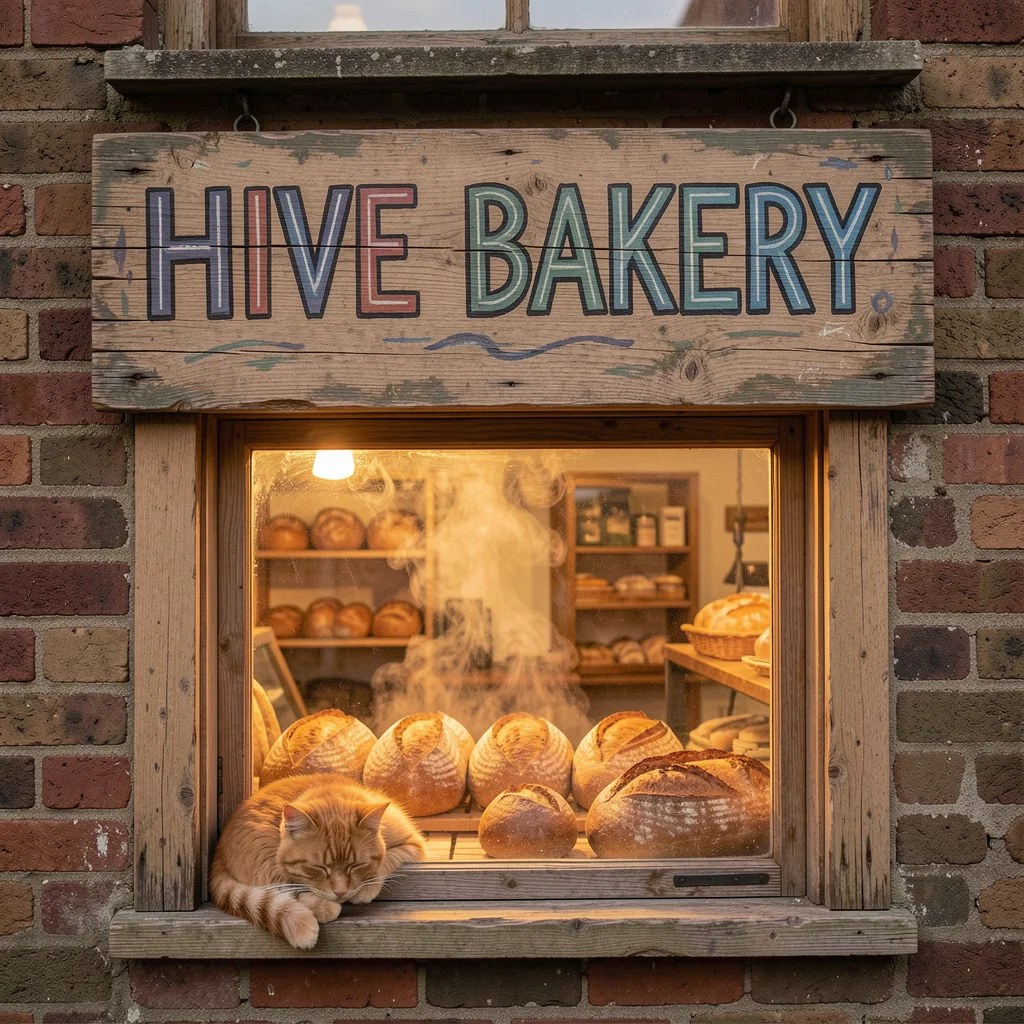
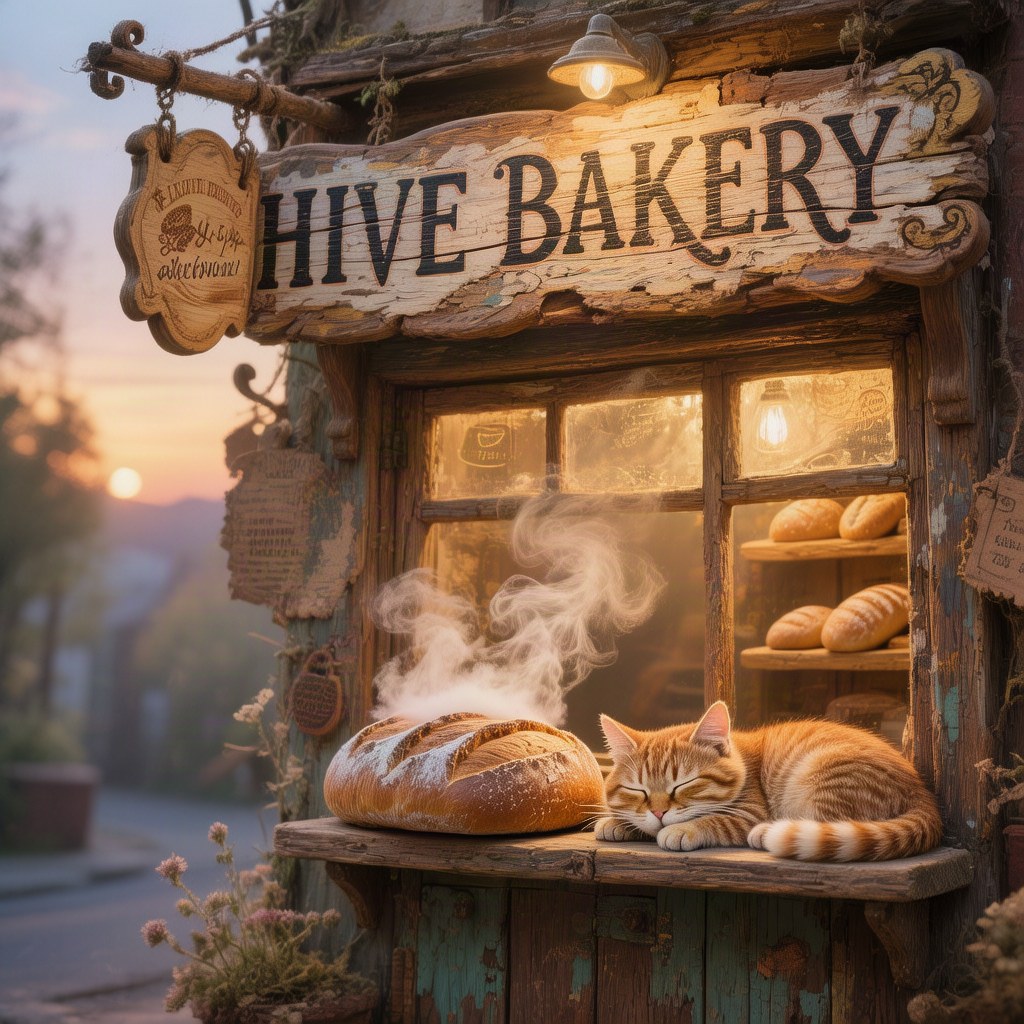
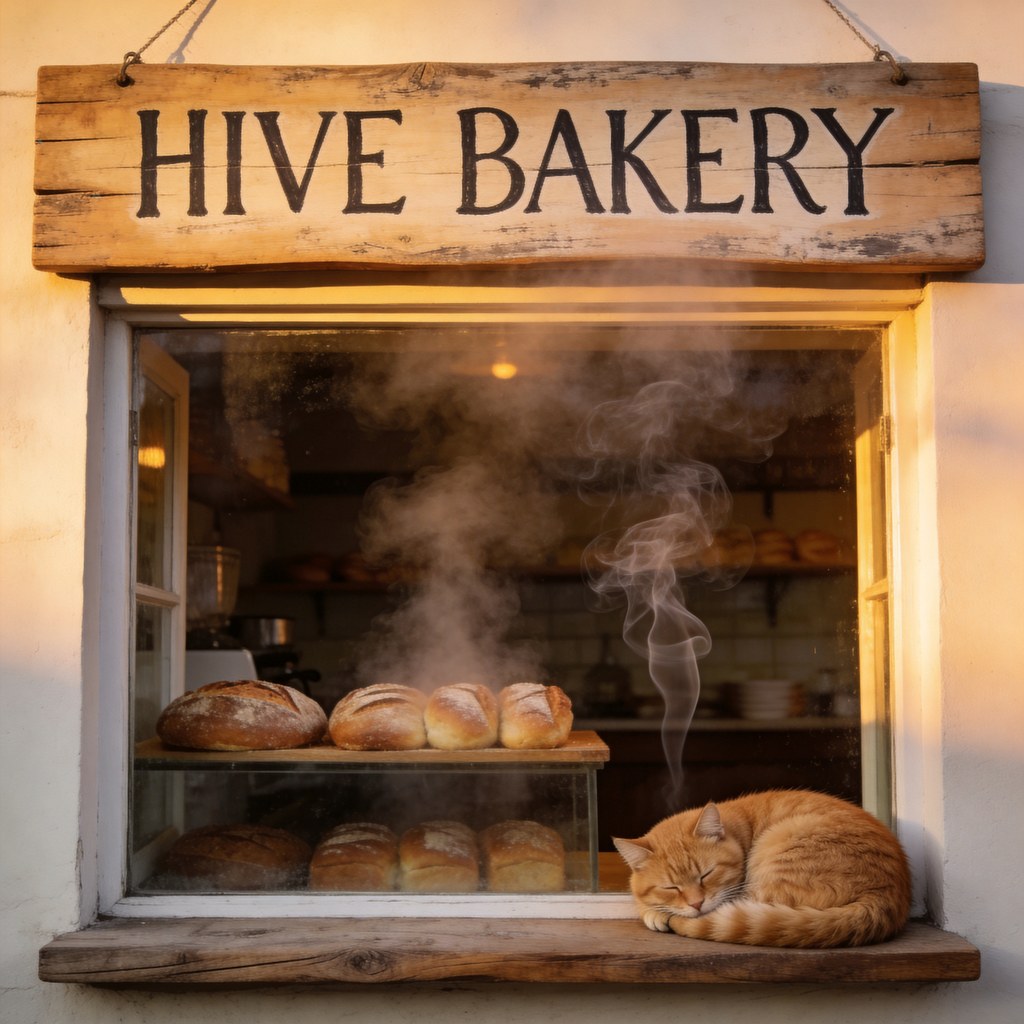
The same words sent to six labs' best picture models, one press each: “a hand-painted wooden shop sign reading HIVE BAKERY above a tiny bakery window at dawn…”. All six spelled the sign right. About fifty hosted picture models, each priced on the button, all paid from one HivemindOS balance. No keys, no account with each lab.
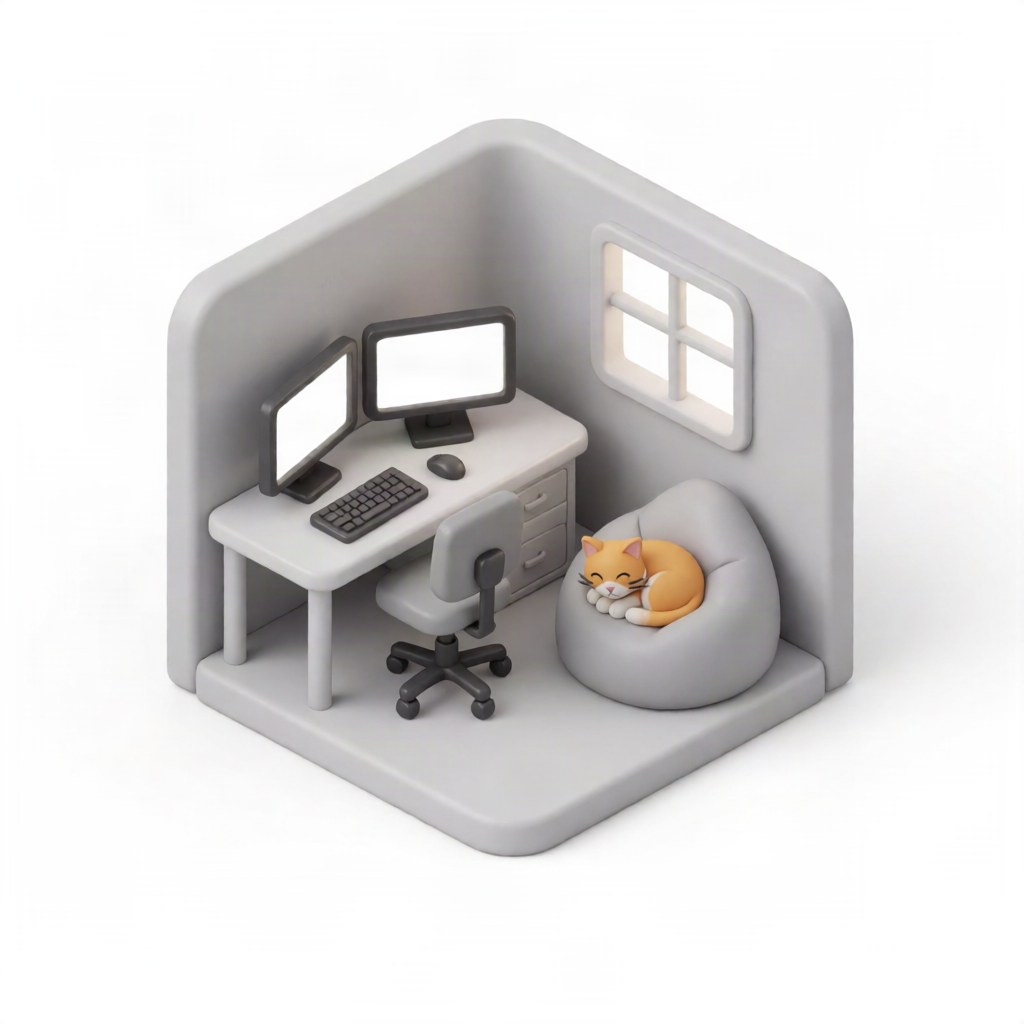
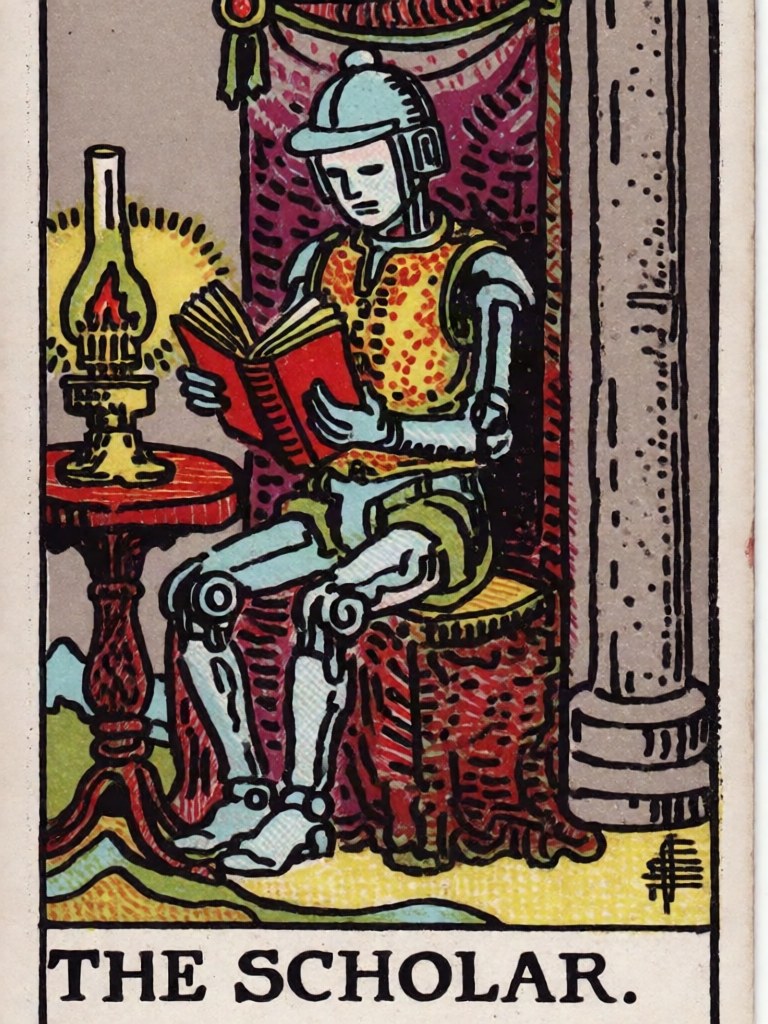
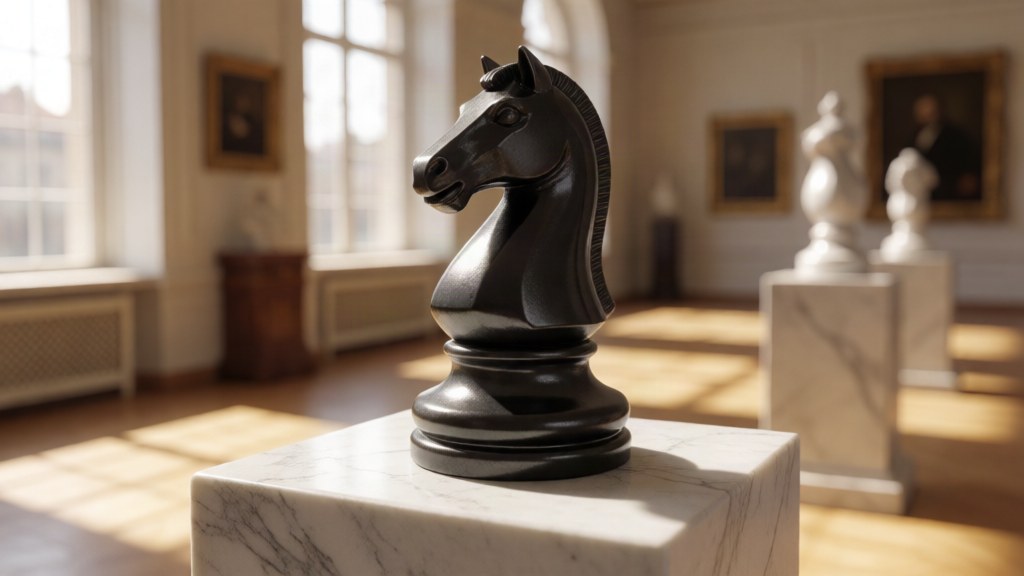
Krea 2 with up to three LoRAs a picture, each licence-checked and previewed. These three cost 2 cents each.
“Every studio starts with a blank page. Write a line, pick a voice, and hear it back in seconds, sealed so only you can open it. Narration, ads, characters. Your words, read the way you meant them.”
ElevenLabs v4 George
Fish Audio Drama 3 Calm storyteller, stage directions acted
Qwen3-TTS Serena
Write a line, pick a voice, hear it back in seconds. The same script read by three voices, each take kept in your Library.
One press on any video gives it a new sound design synced to the picture: strikes, cloth and falls land on their frames, and the dialogue stays. 10 seconds of sound cost 15 cents. Turn your sound on.
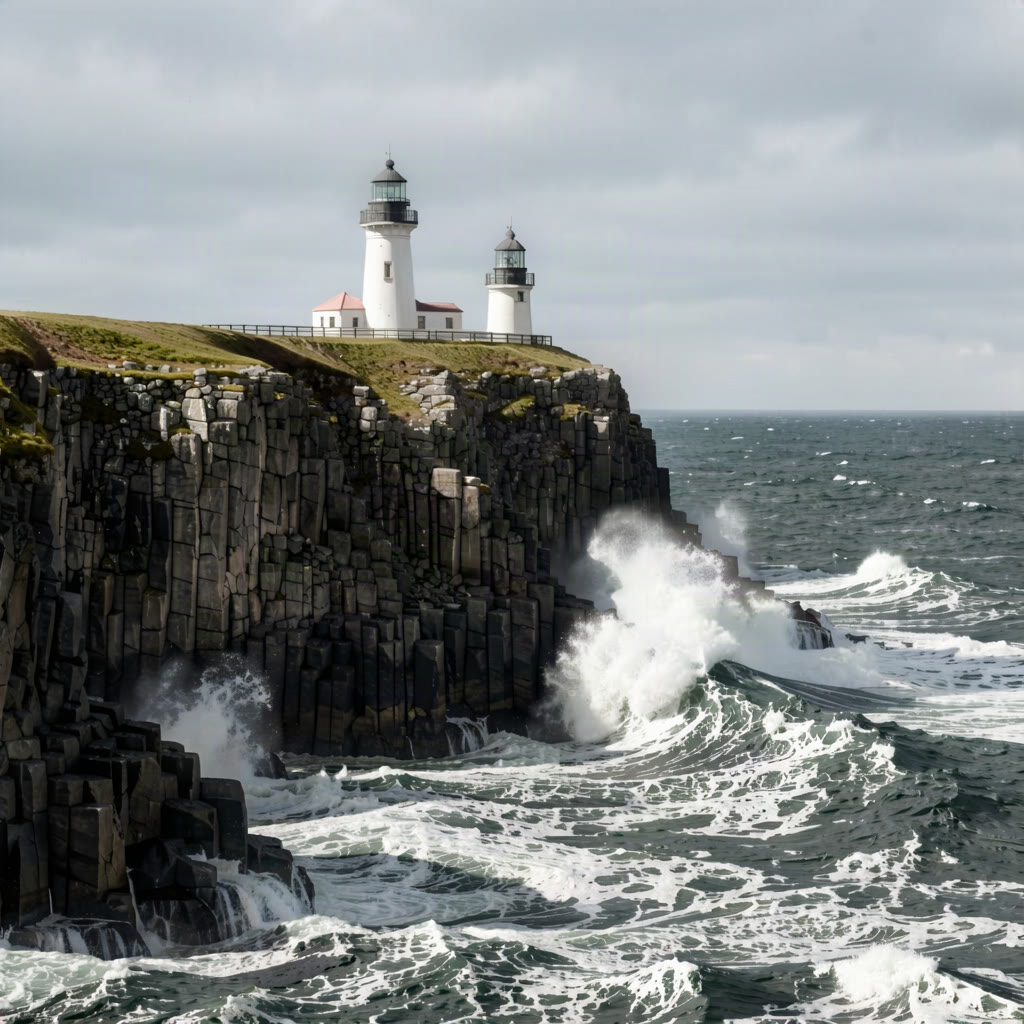
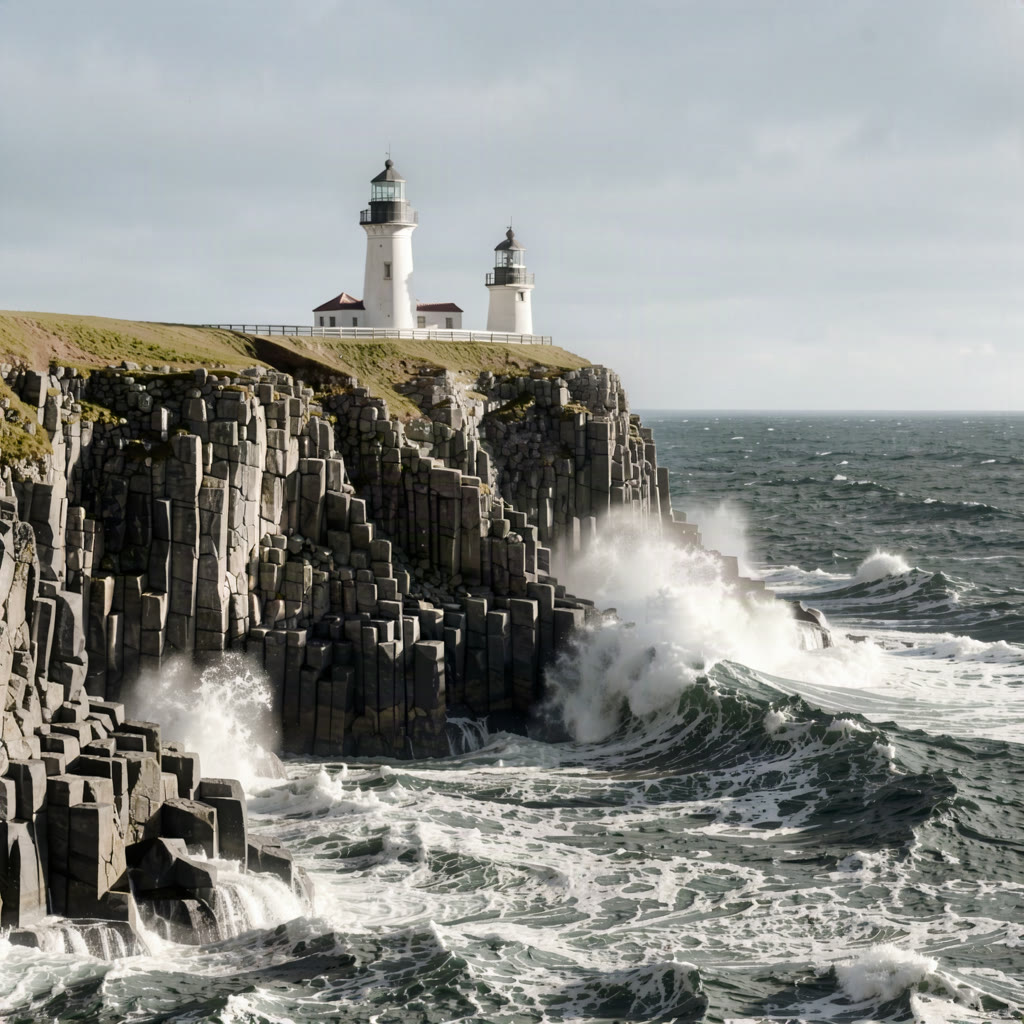
Drag the sun across a sky dome and the photo is lit again from there. Also on its own at hivemindos.app/relight.
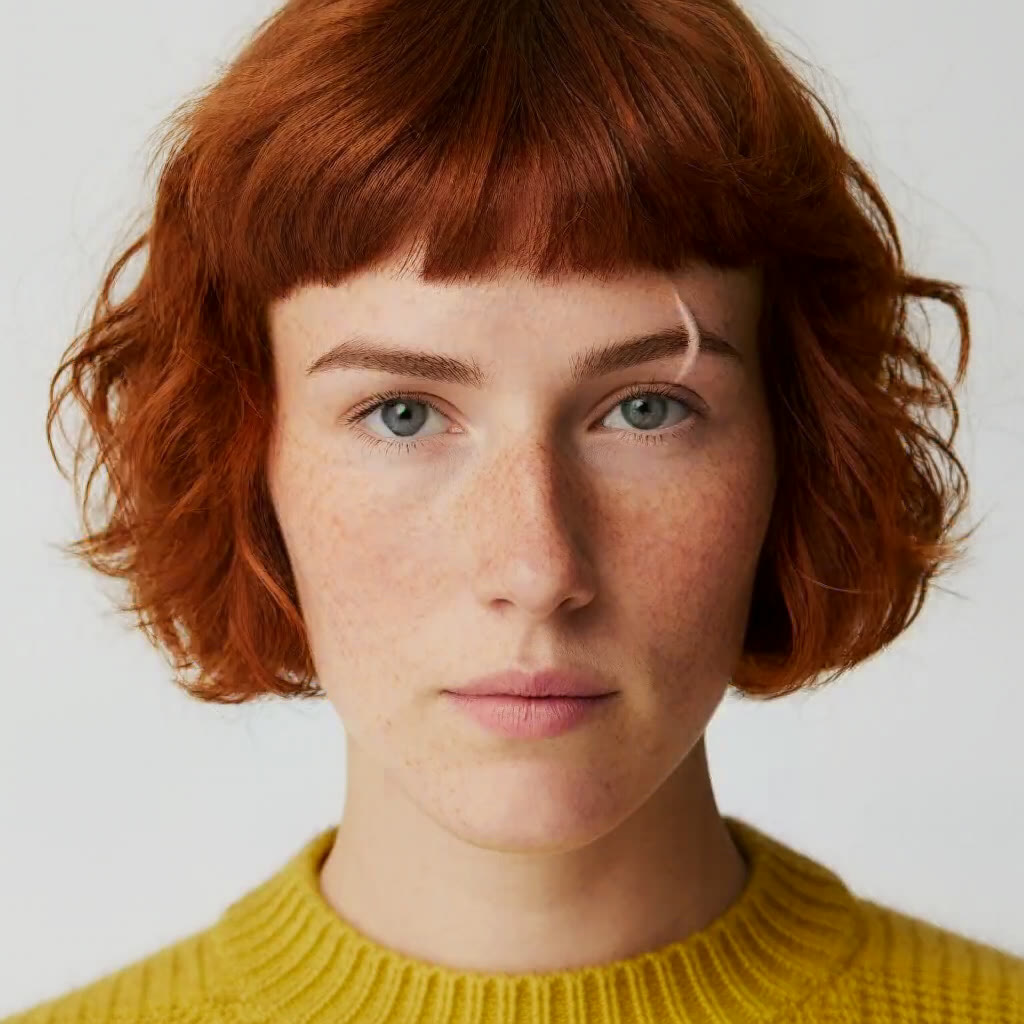
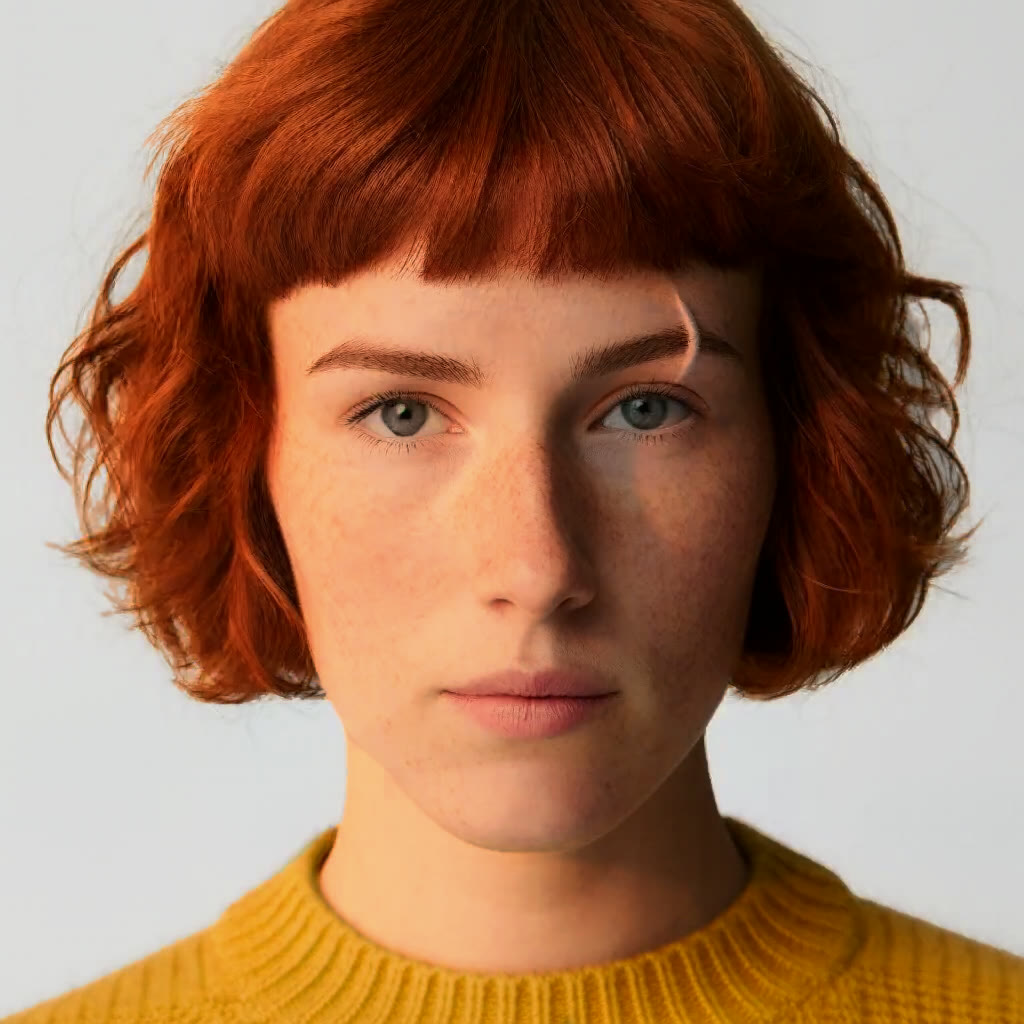
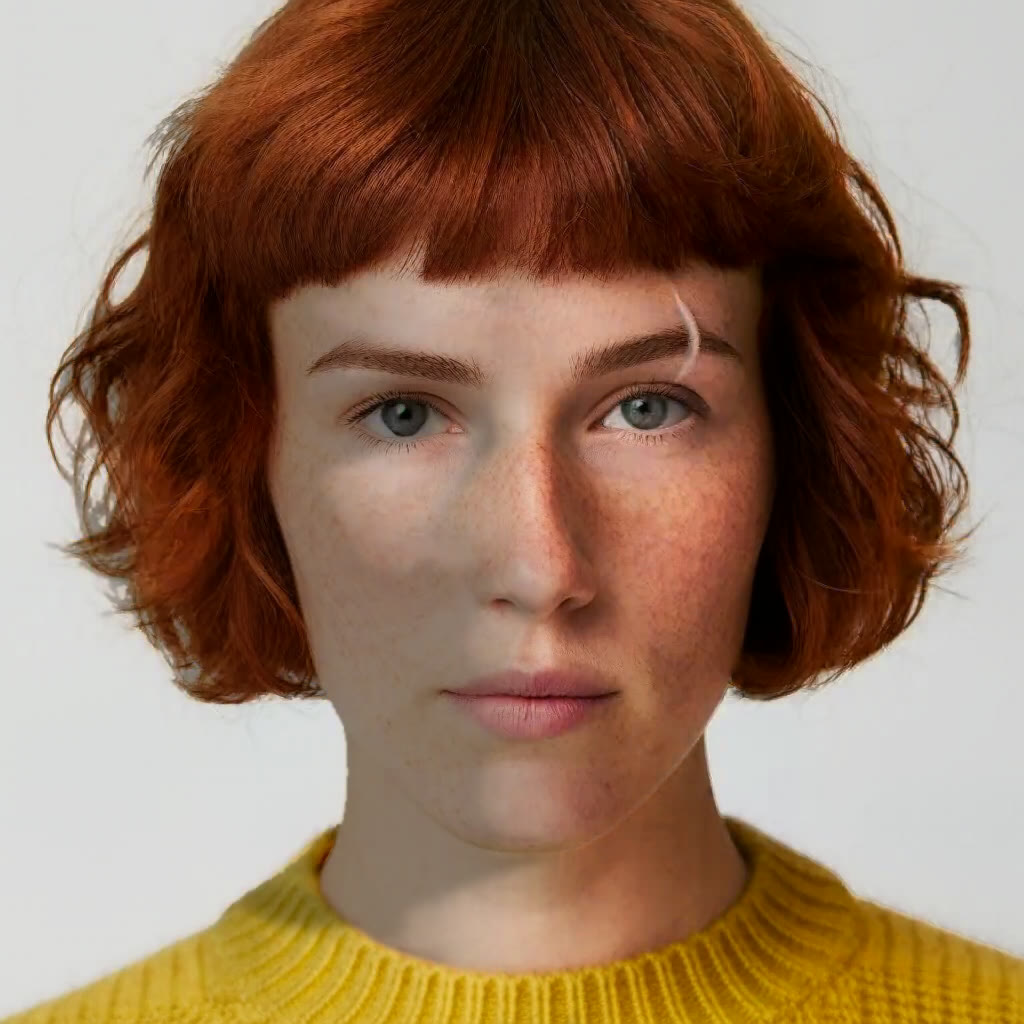
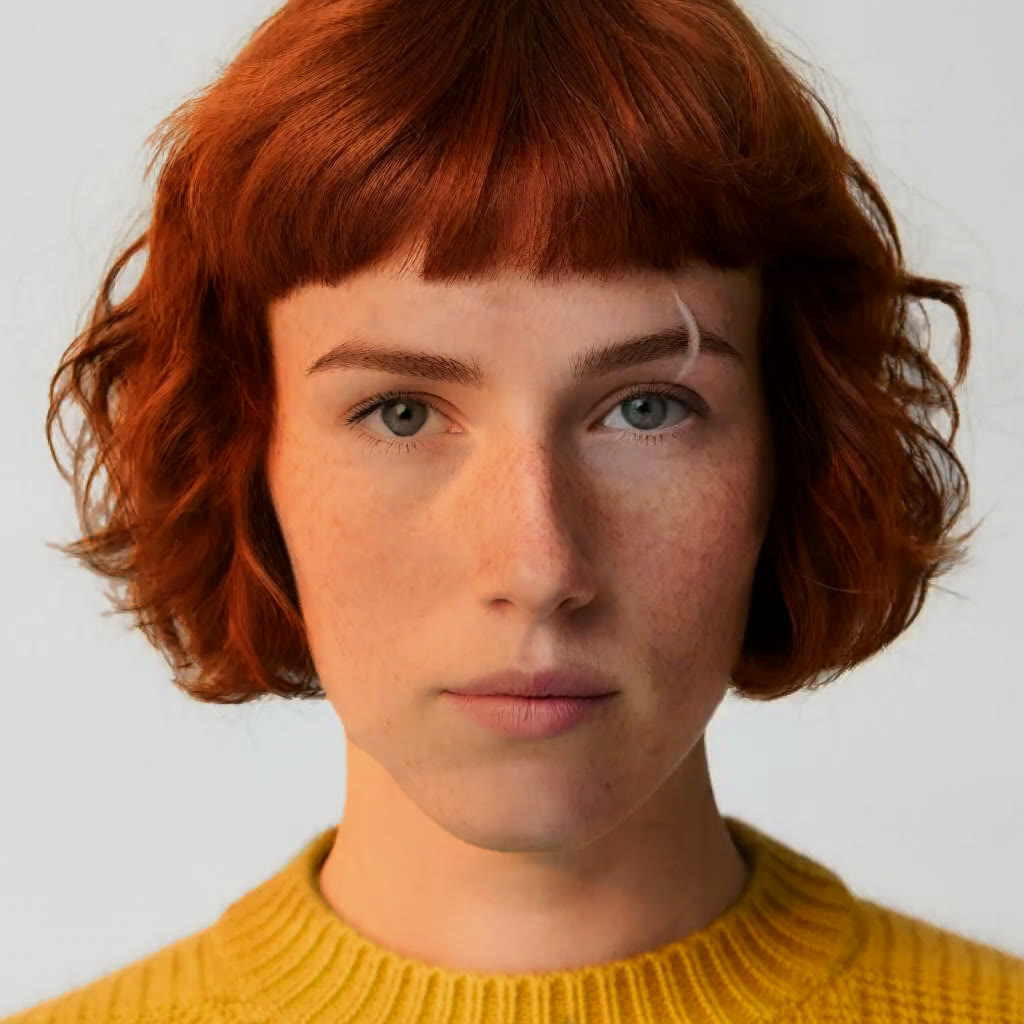
Up to three lights placed on the photo's real shape, each with its own colour and softness, drawn on your own device as you drag them. Free at hivemindos.app/relight too.
In the full studio
The full studio goes further than a prompt: it reads what you bring and rebuilds it. A comic page becomes a film, a performance gets a new performer, and one thing in a clip changes while the rest stays.
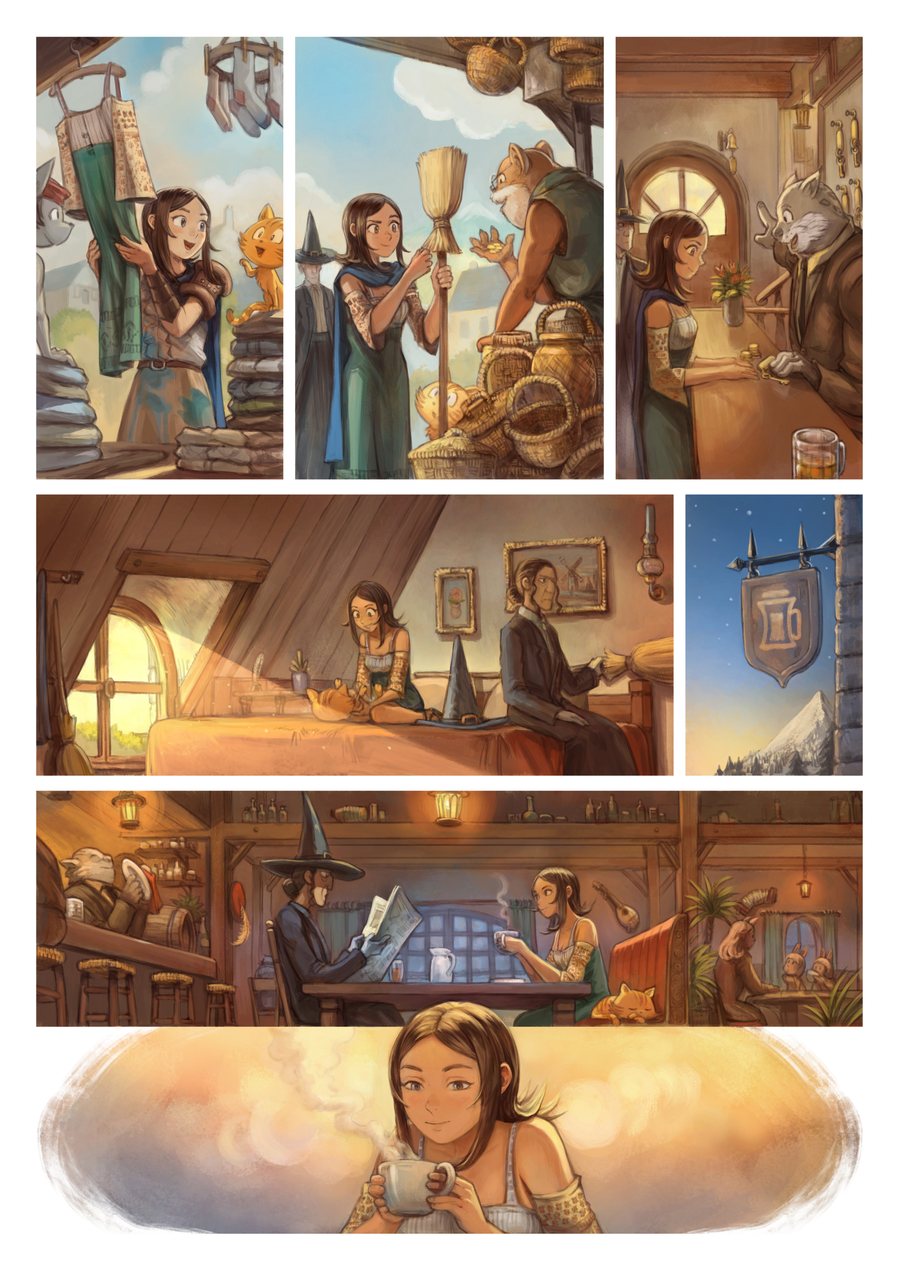
The page is cut into its panels automatically, and each shot is staged on the panel it came from, so the film keeps the artist's own linework and colour.
Artwork © David Revoy, Pepper&Carrot, episode 39, used under CC BY 4.0.
Edit by pointing
Click a thing or type its name, say what it should be, and only that part is redrawn.
Press Click to change and click a thing in the picture. Its outline appears on the click; type what it should become and press the arrow. Recorded in the studio.
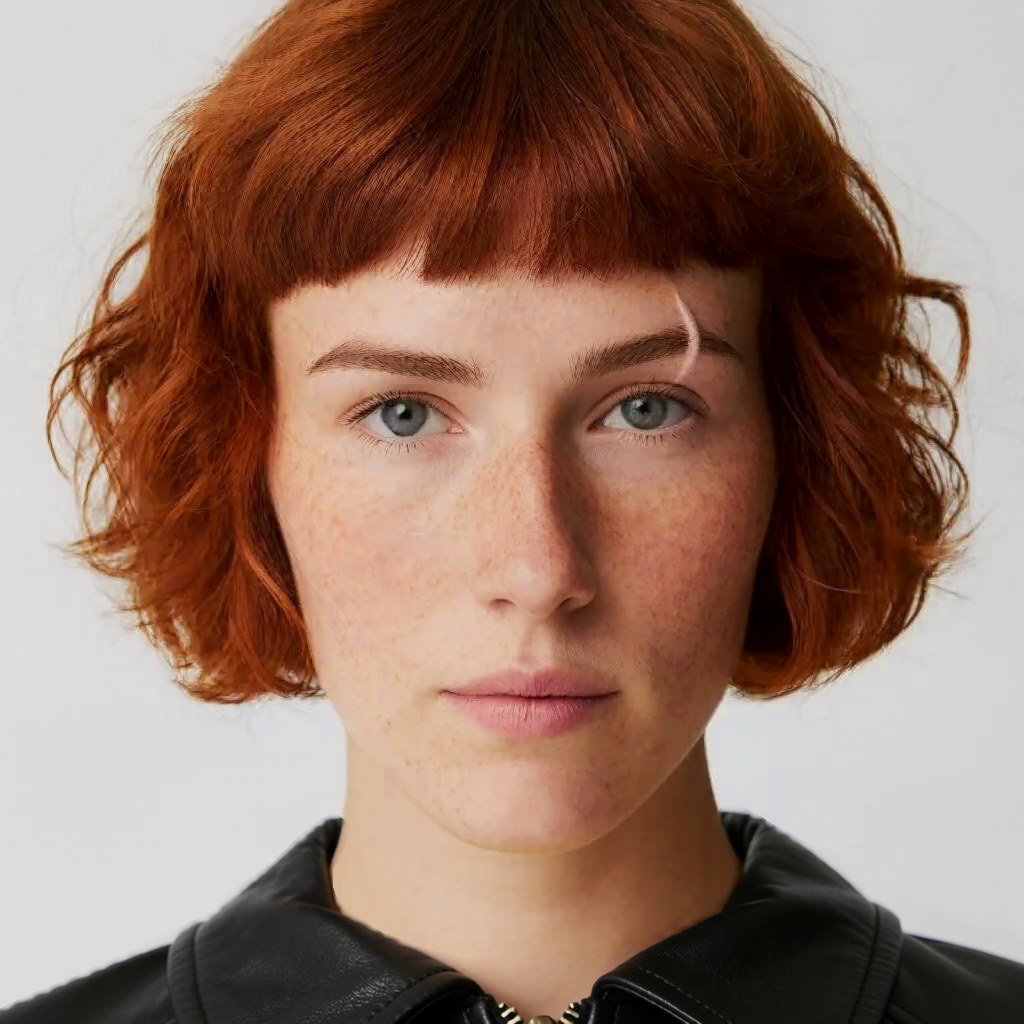
Type “jumper”, ask for “a black leather biker jacket”. The face, the hair and the wall keep their pixels.
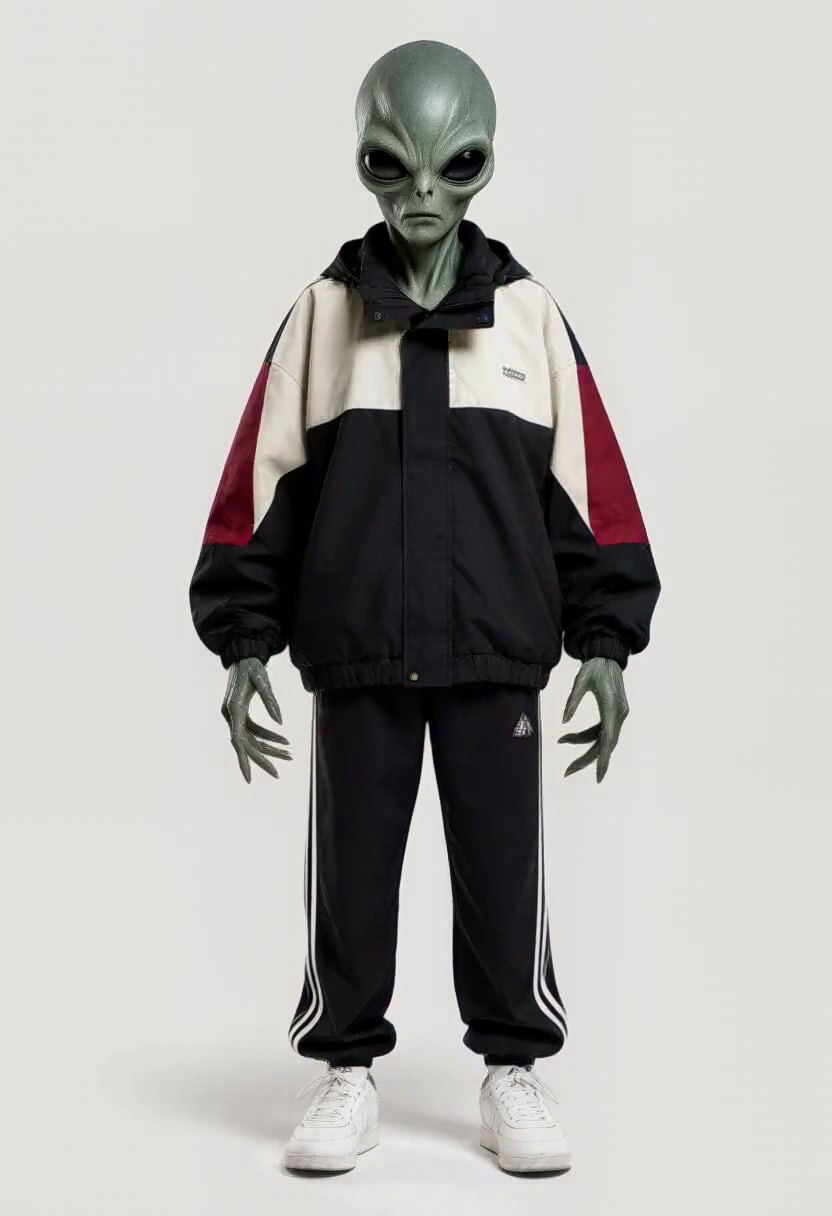
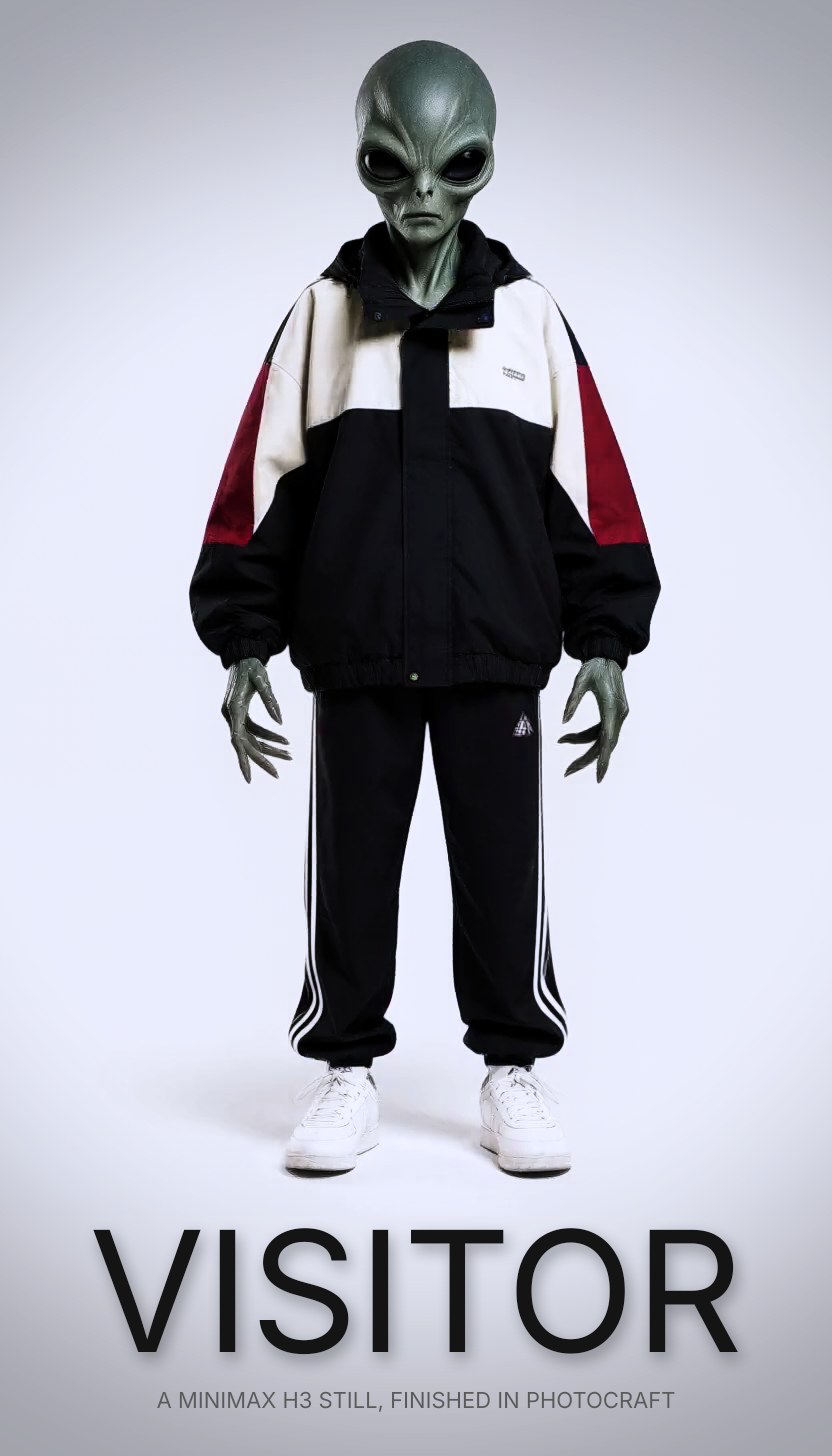
PhotoCraft opens any picture in the studio, with layers, curves, filters and type. An agent made this poster in one call: seven commands, 0.28 seconds, no GPU.
Characters
Build a character once, from pictures, a voice and a way of moving, and put them anywhere. Every face in this section is made up.
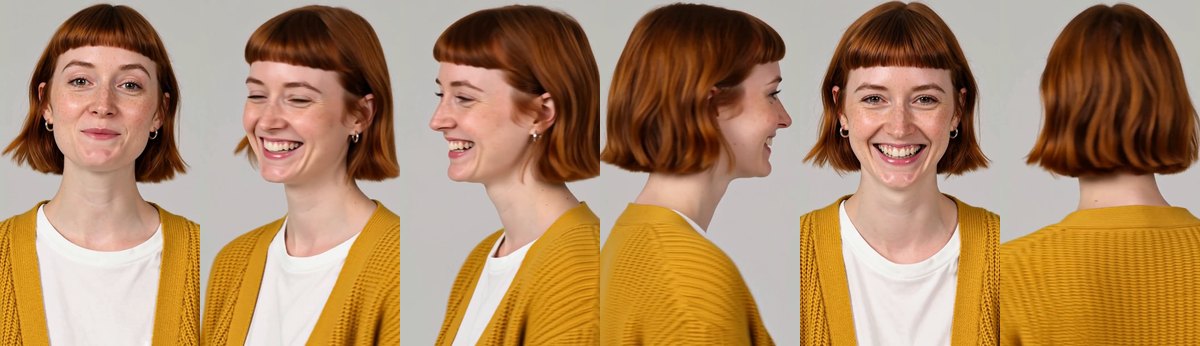
Drag in her angle cards, a voice card and a motion card, press Create, and send her to the Video studio. Here Juno speaks with her own face and voice and someone else's way of talking with their hands, somewhere she has never been.
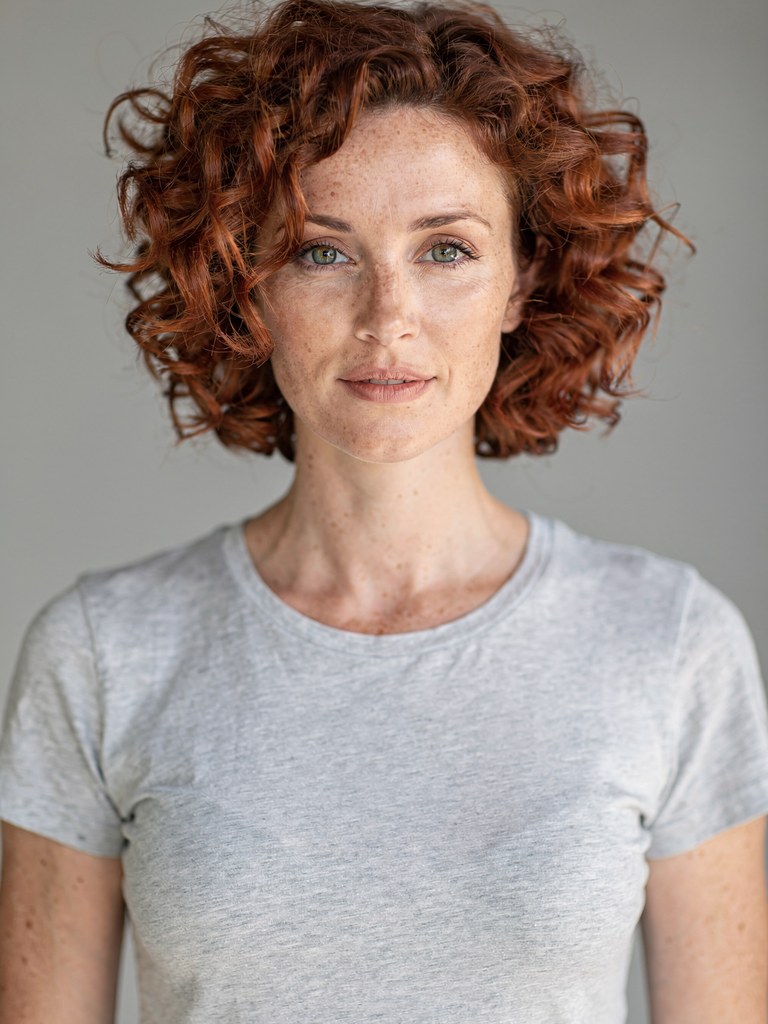
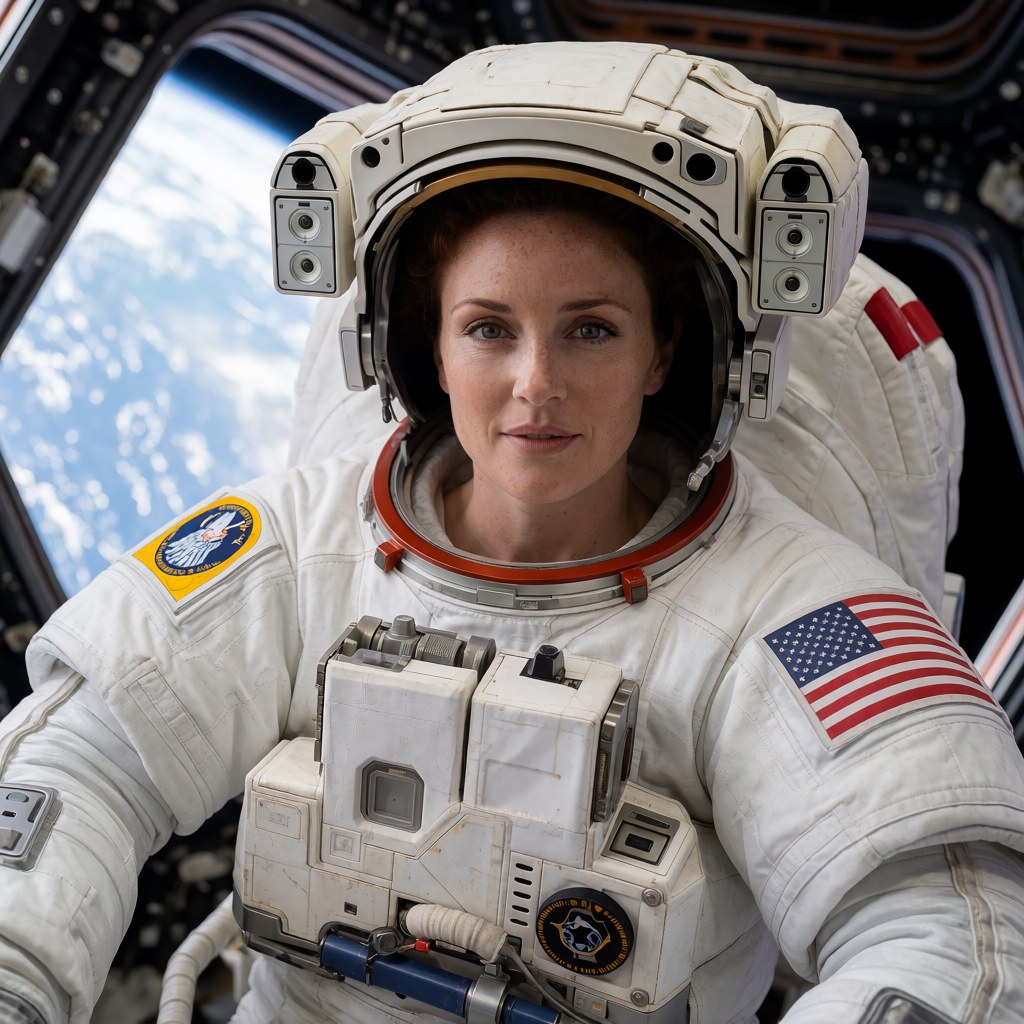
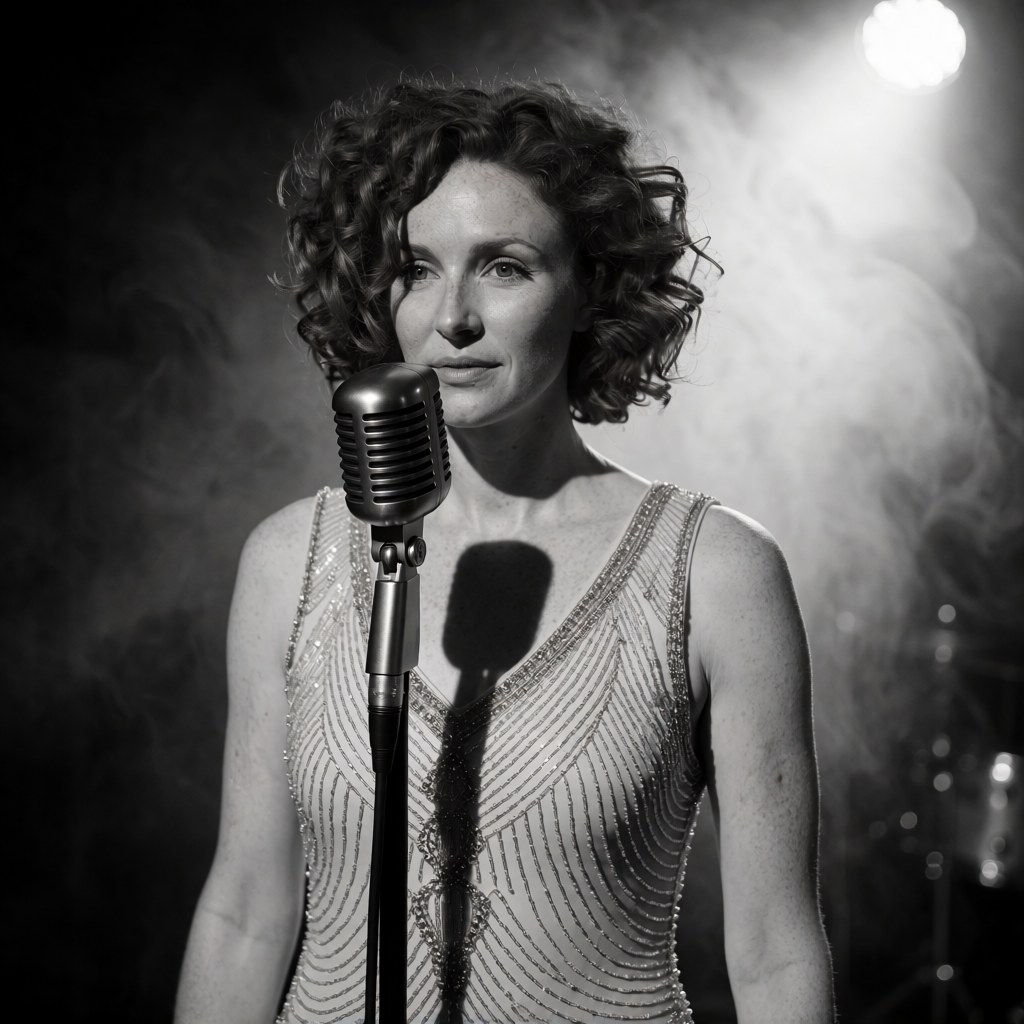
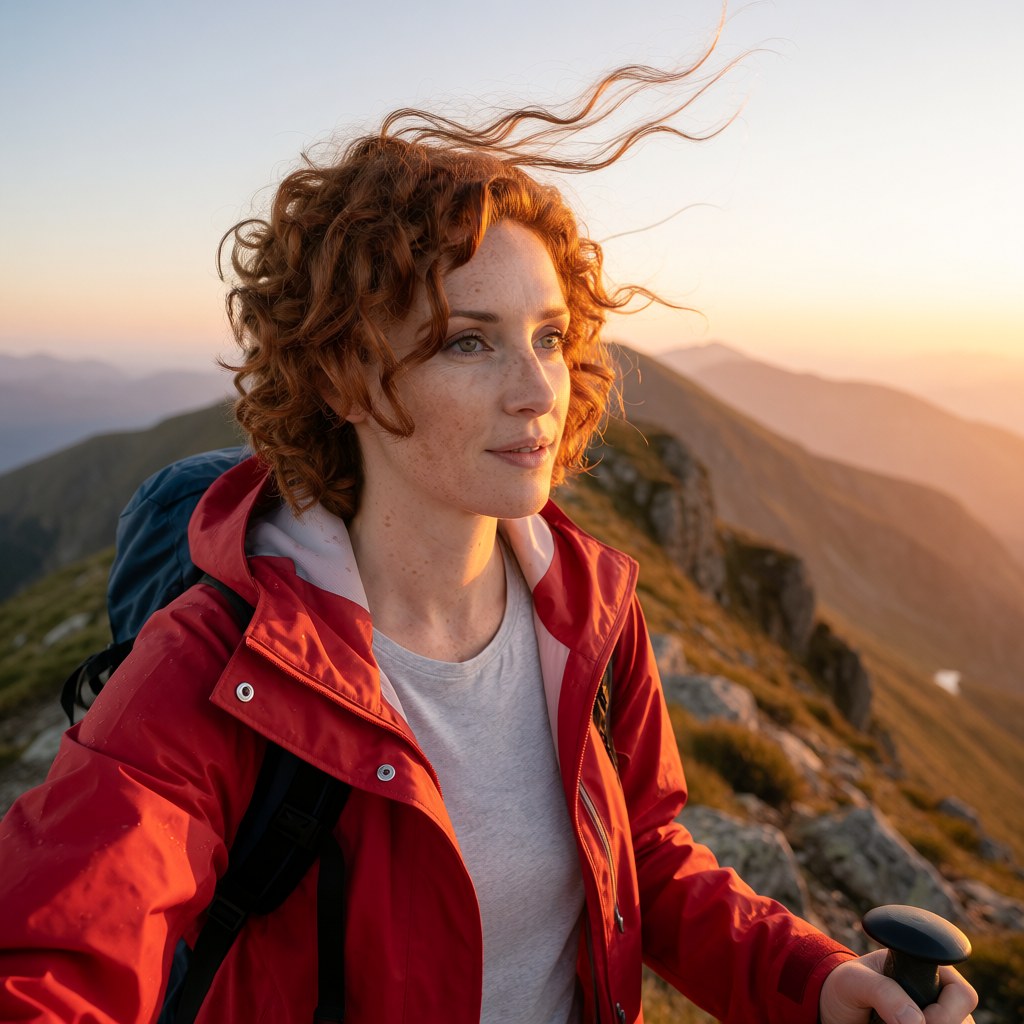
Attach one picture and the face holds in whatever the prompt describes. The pose, the light and the clothes are free; the person is not.
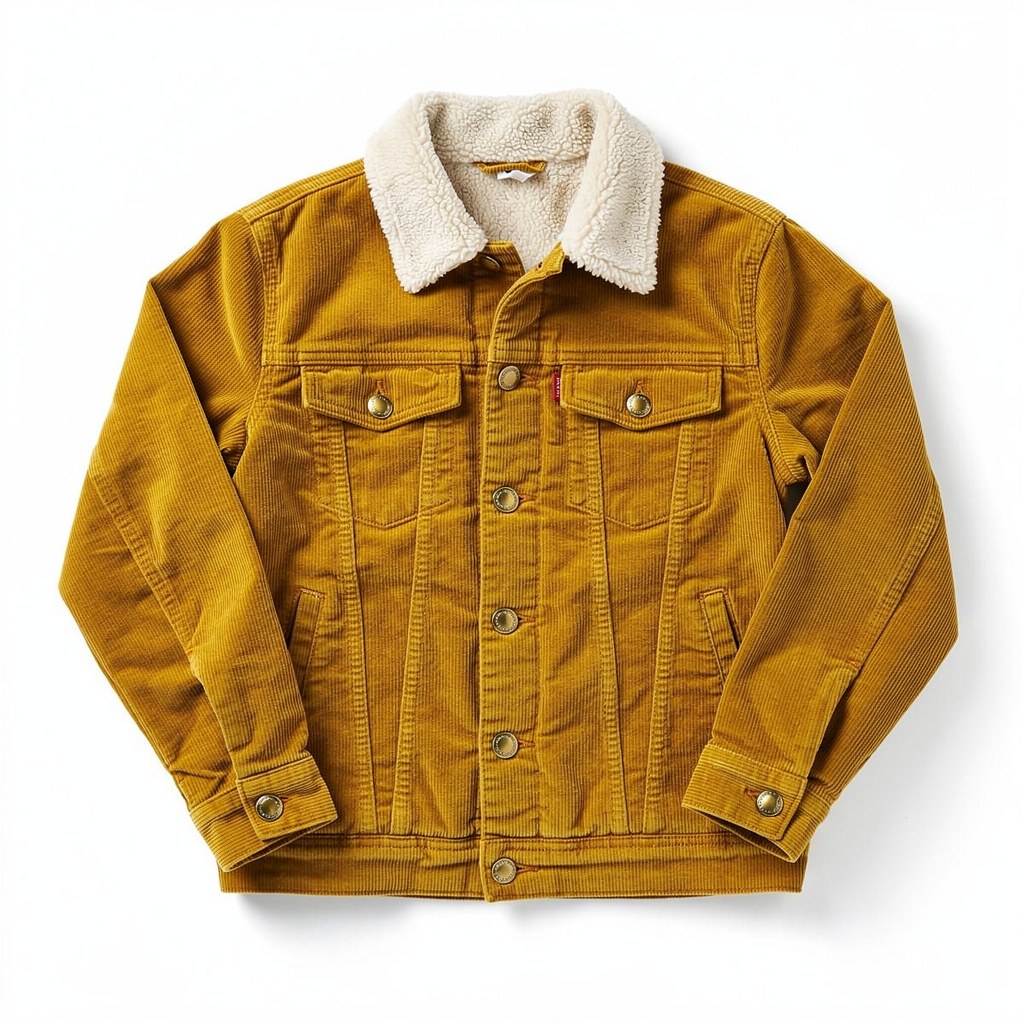
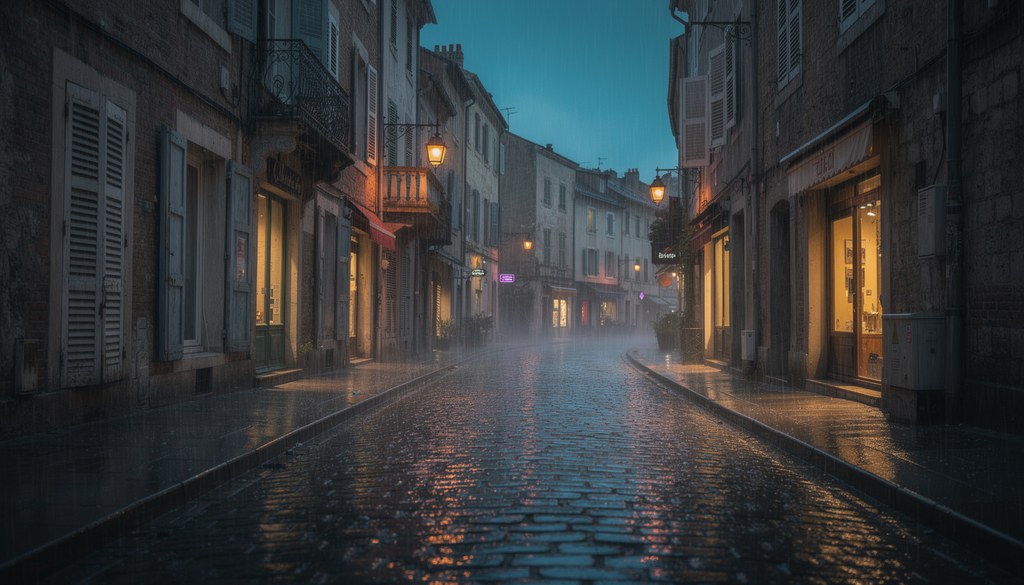
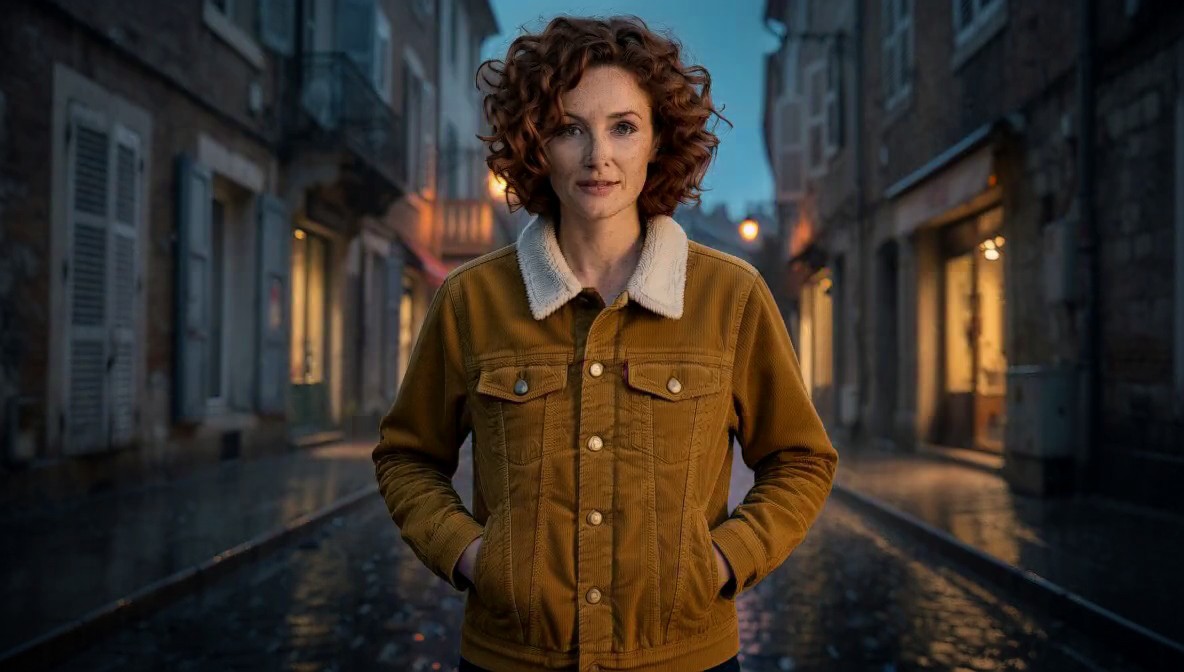
This person, in this jacket, on this street. Up to nine pictures, each called by name in the prompt.
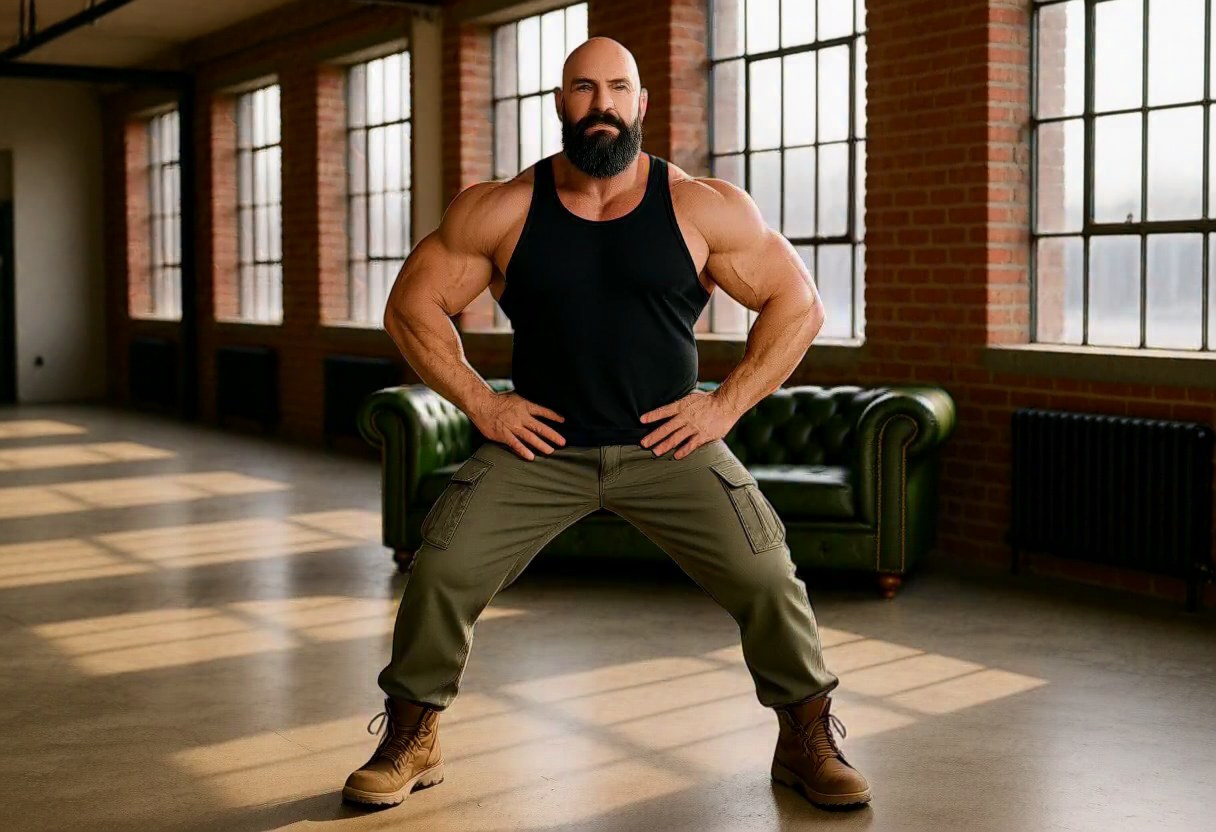
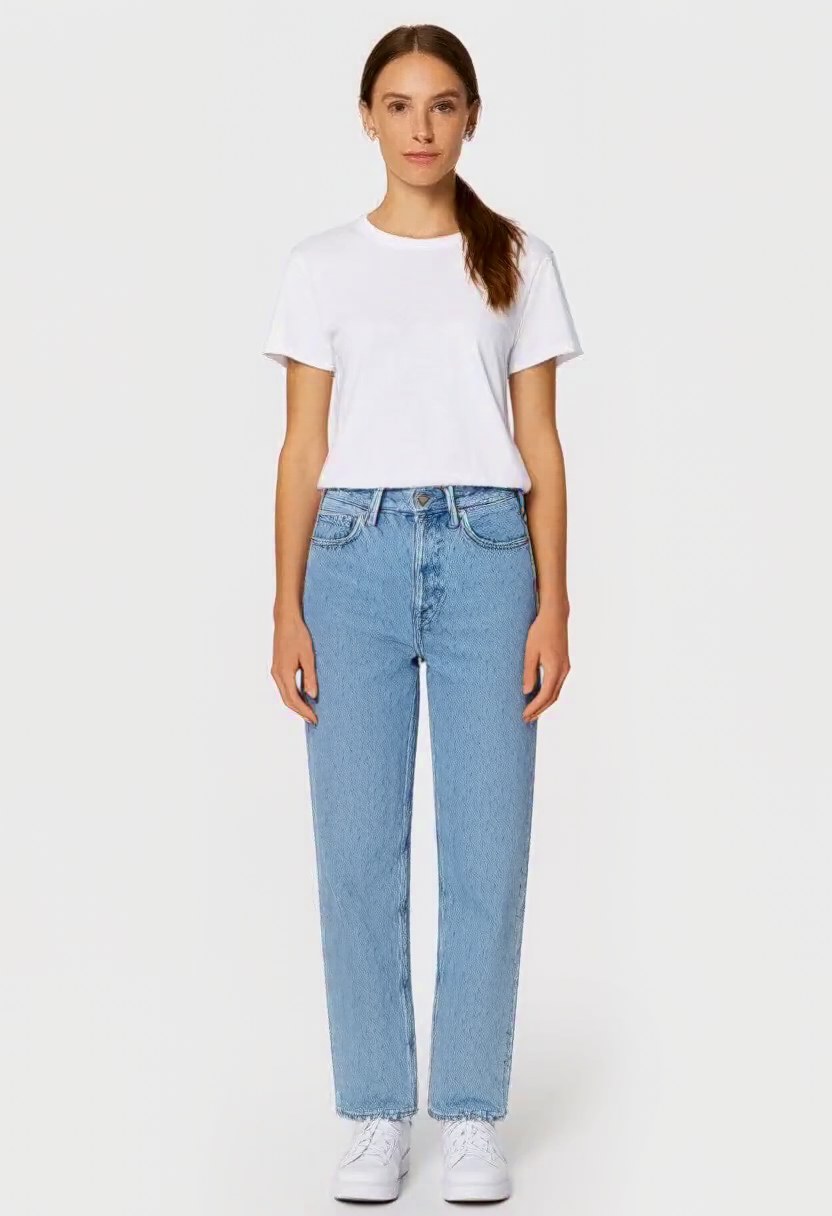
Point at anyone in any picture and only their pose is sent, as a stick figure: never their face, build or clothes. Keep their scene too, or leave it.
Whole scenes
Fights written blow by blow, scenes that pick up on the same frame they left off, and clips larger than the model can draw in one go.
A hook into a raised forearm, a knee into crossed arms, an axe buried in a gate post. The fight preset makes every blow land on something, in an alley, a training hall or the snow.
The next clip starts from the last frames and sound of the one before, so a scene keeps going with no cut. You write only what happens next.
Drawn at 1216 × 704, then rebuilt in tiles to 1824 × 1056 with no visible seams. The sound is untouched.
Pixel art
Pixel art on a true grid, brought to life, then cut into frames a game can use.

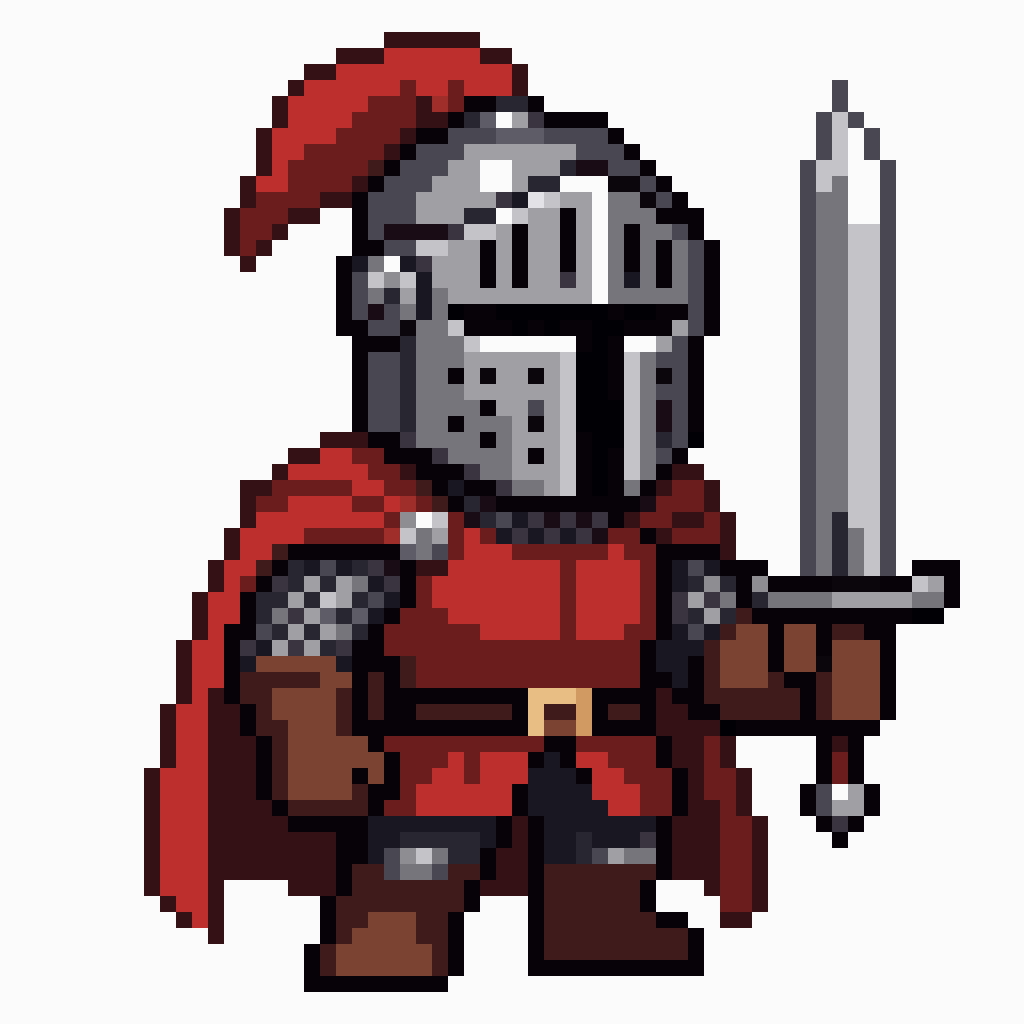
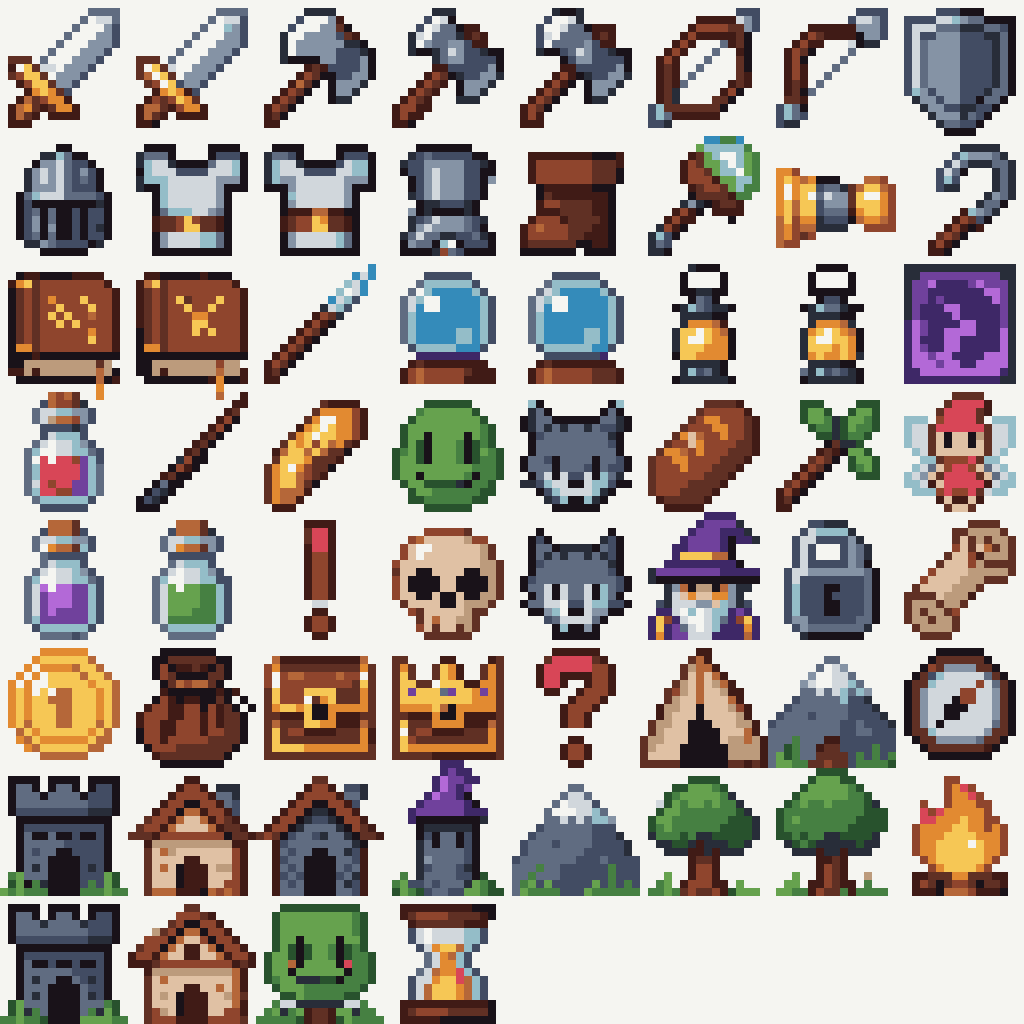
32, 64 or 128 pixels across, one palette, and every pixel one flat colour.
One press on the picture: it becomes the first frame of a clip that stays pixel art in every frame.

The most different frames are picked, cut out of their background and packed on one cell size, so the sprite never jumps. Scroll the sheet.
Private by design
Everything in your library is encrypted to a key only your browser holds: the pictures and clips you make, the ones you upload, and the words you type to make them. And the service that runs each model keeps no copy of what it made for you.
Every picture, clip, prompt and setting in your library is encrypted to your key. What we keep is a locked copy that only your browser can open.
The service that runs each model hands the result to your library and deletes its own copy as soon as your library has it. When the job ends, it forgets your prompt too.
Your library password never leaves your device, and nobody can reset it, not even us. You get a recovery key once, at the start; keep it safe.
Add a passkey and unlock your library with your fingerprint or face, instead of typing the password each time.
From Settings, download a record of everything held for you, delete your library for good, or sign out on every device at once.
When the full studio runs a model on your own computer, the pictures and clips you give it are cleared away once the job is done, and the record it keeps of each job leaves out what you typed.
What the lock can't cover: the model that makes a picture receives your prompt and anything you attach, for that generation. When that model runs on our cloud providers, a safety check reads your prompt first; it never reads your pictures, clips or results. On a machine you rent, or on your own computer, nothing you type or make is read or checked. A picture you attach waits up to a day for the model to fetch it.
Where it runs
The web studio is open to everyone now. The Mac and rented-GPU modes are how the full studio makes everything else on this page; they are not open to the public yet.
Sign in with HivemindOS and pay per generation from one balance, with a daily limit. Nothing to install.
This fox was made on an M5 Max at the video model's largest canvas, 1344 × 768, with nothing paid for.
Pick the models you need and rent a machine for them, billed to a HivemindOS balance in 10-minute blocks. An RTX 5090 with the Klein pack went from rented to ready in 4 minutes 48 seconds, at $0.79 an hour.
Every picture, clip, edit and voice on this page can be asked for by an AI agent through the studio's agent connection, and many of them were.
How it works
Use the account you already have, or make one with your email. Same account, same balance as the rest of HivemindOS.
Every model shows the most a generation can cost before it runs. No subscription; a daily limit keeps a day from running away.
Your library is encrypted to a key only your browser holds. You choose a library password; nobody can reset it, not even us.
Open beta: things will change and some will break. Adult content, face swaps and voice cloning are off. Read the terms, the acceptable use policy and the privacy policy. The studio is free software; get its source code.